Drive the simulator with the DCC throttle in your hand
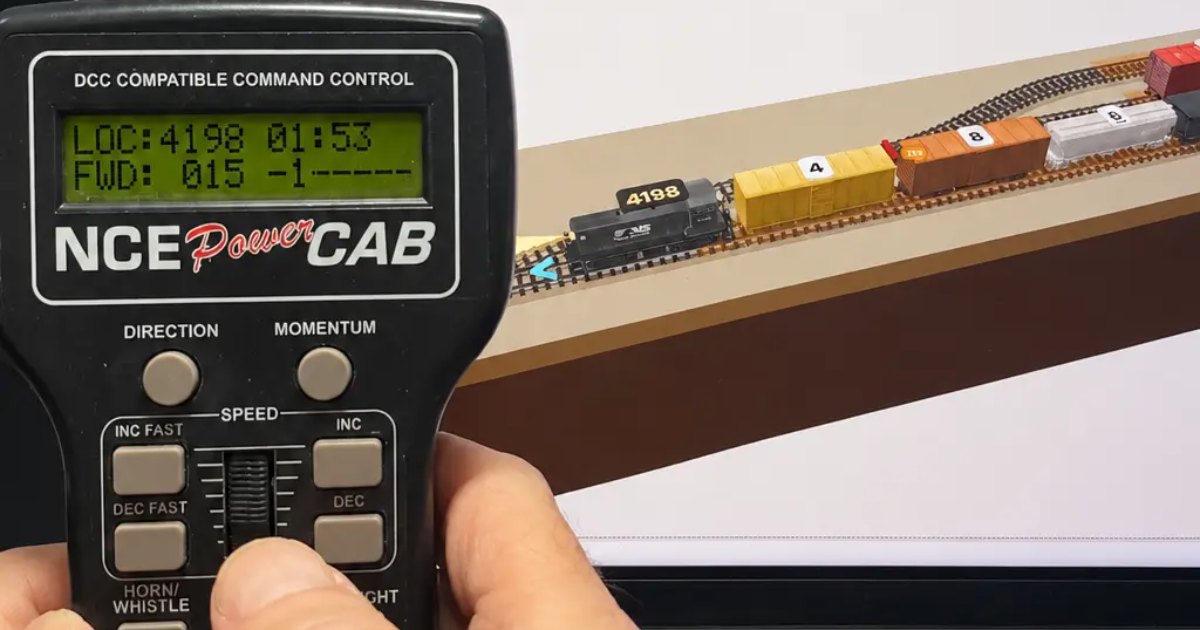
Nobody watched the speed number. Your hand knew.
At the club, the local leaves the yard on a Power Cab. You turn the knob a few clicks, feel the train take up the slack, and hold it there up the grade. At the top you back off, let it drift, and it stops with the last car just clear of the points. Nobody watched the speed number. Your hand knew.
At home on a screen, it's a different job. You click a slider or tap a key, then watch what happens. It works. But you're watching, not driving, and the timing you learned at the club stays behind.
modelrailsim now lets your own DCC handset drive the simulator. Here's what follows your throttle, what you need to connect it, and what to try first.
Your handset, not a picture of one
The simulator's on-screen cab is modeled on the NCE Power Cab or the Digitrax DT602, so the layout of the buttons is already familiar. With the Real controller you skip the picture and pick up the real thing. There's no setup list to fill in:
- Loco select. Select a loco on your handset. The sim loco with the same number follows it.
- Speed and direction. Turn the knob, press Direction, and the sim loco does it.
- Bell, horn and headlight. They follow too.
- Emergency stop. It works just as it does on your layout.
- Turnouts. Throw a turnout from the handset, and the sim's turnout with that accessory number throws.
That last one matters if you plan in the Layout Designer. When the Designer wires a layout for DCC, each turnout's number is its accessory address, the same number you'd key in with ACCY on the cab. The plan on the screen and the handset in your hand already agree.
What sits between the handset and the computer
The simulator doesn't talk to your handset directly. It listens to what your command station sends to the rails. The DCC Sniffer does the listening: two wires to your command station's track output, and a USB cable to your computer. You don't need a layout at all, only the command station's output.
The prototype was tested on an NCE Power Cab: about 1,400 packets every five seconds, none bad. Manufacturing is in progress. It will be $39 at the Model Rail Sim store, and the target is mid to late November 2026. Targets can move, so watch What's new for the date.
If you already own NCE's DCC Meter/Analyzer, the Real controller card works with that too.
The Real controller is free for everyone for a limited time. After that it becomes part of the paid plans, which start at $29 a year. The details are on Pricing.
Why the feel carries over
A real handset only helps if the train on the screen behaves like a train. That's the simulator's half of the deal.
Trains ease up to speed and coast. Back off the knob and the train drifts. To stop at a mark you start slowing before you reach it, the same as on your layout.Same hand, two railroads
The Real controller works one way: your handset drives the simulator. The Real layout works the other way: the simulator drives your layout over USB from an NCE system, with Digitrax coming soon. Either way, you use one set of habits.
Two features keep the screen and the table in step. With Time it, you run a real loco between two marks a known distance apart, and its twin on screen is scaled to that loco's speed at every step. And with an NCE AIU on the cab bus and a detector per block, the Real layout card reads which block each real train is in and moves its twin there.
So the speed you dial in for a slow switching move on the screen is the speed you'd get on the table. Practice on one and it carries over to the other.
Try this first
- Connect the sniffer, or your meter, and open the Real controller card. Turn the knob and watch the packet monitor fill.
- Open the Inglenook Puzzle. Note the number of the loco on screen and select that address on your handset.
- Work the puzzle from the handset: speed, direction and the turnouts. Use the mouse only to uncouple. Point at a coupler, click, and the knuckles part.
- Switch the view to Cab for a few moves. Try to stop each cut clear of the points without looking at the speed.
The Inglenook is scored. Run it once with the mouse and once with your handset, and compare the scores.
New posts by email
A short email when there's a new post. Nothing else, and you can stop any time.
More from the blog
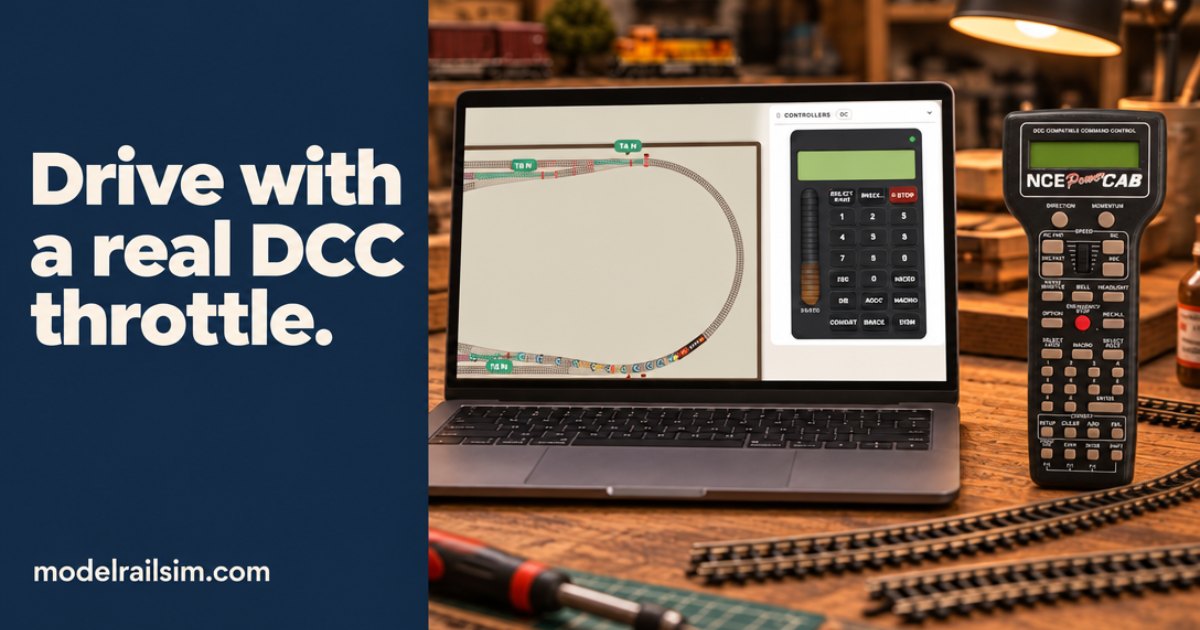
What your DCC throttle does in the simulator
How the simulator's NCE Power Cab style cab works, how your own DCC handset can drive the simulator, and how the simulator can run your real NCE layout.
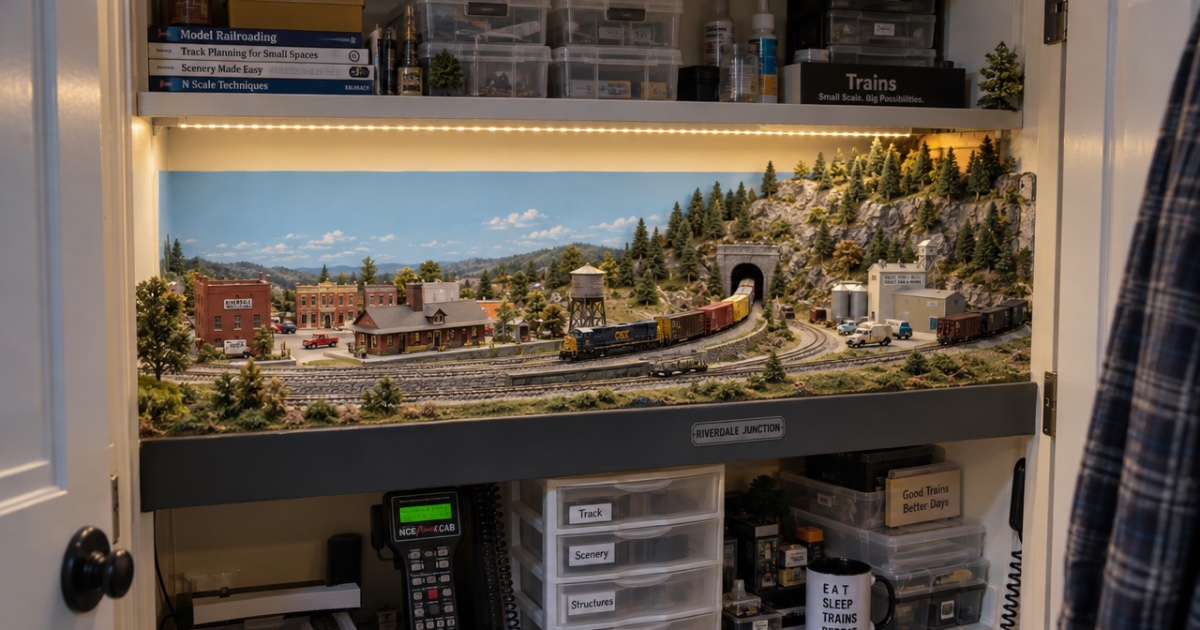
Building a layout in a spare closet: plans that fit
How to fit a model railroad in a spare closet: measuring reach-in and walk-in closets, switching plans that fit, benchwork tips, and checking it before you cut.
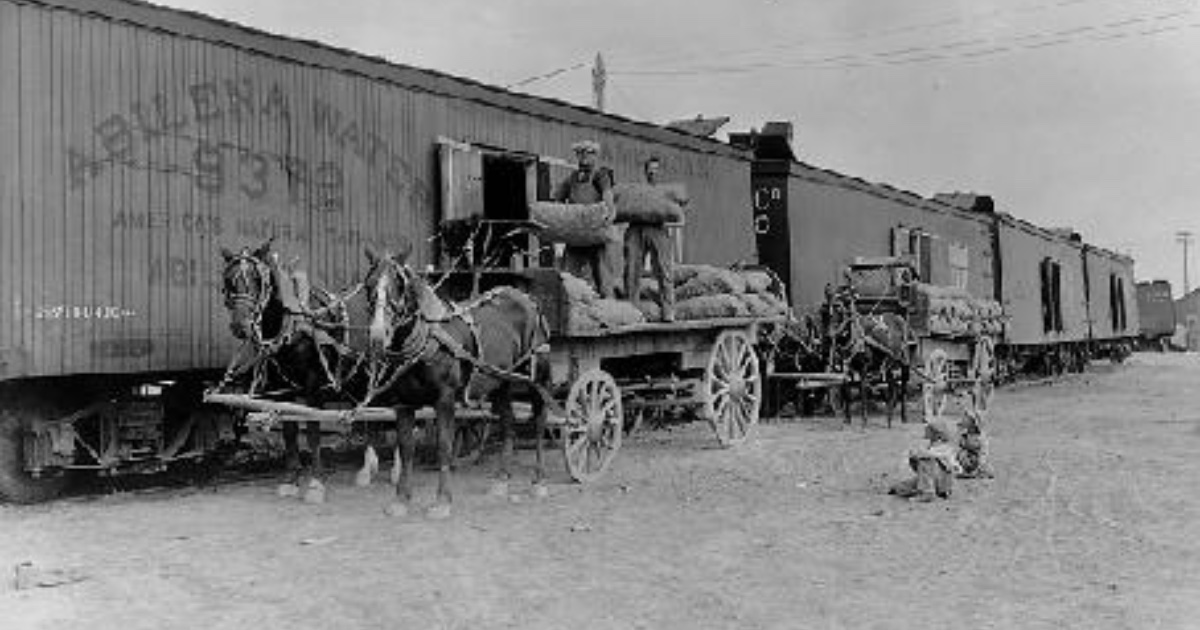
Team tracks: the industry with no building
A team track is a railroad-owned spur where any shipper can load or unload a car. What the prototype built, what went there, and how to model one in inches.