What your DCC throttle does in the simulator
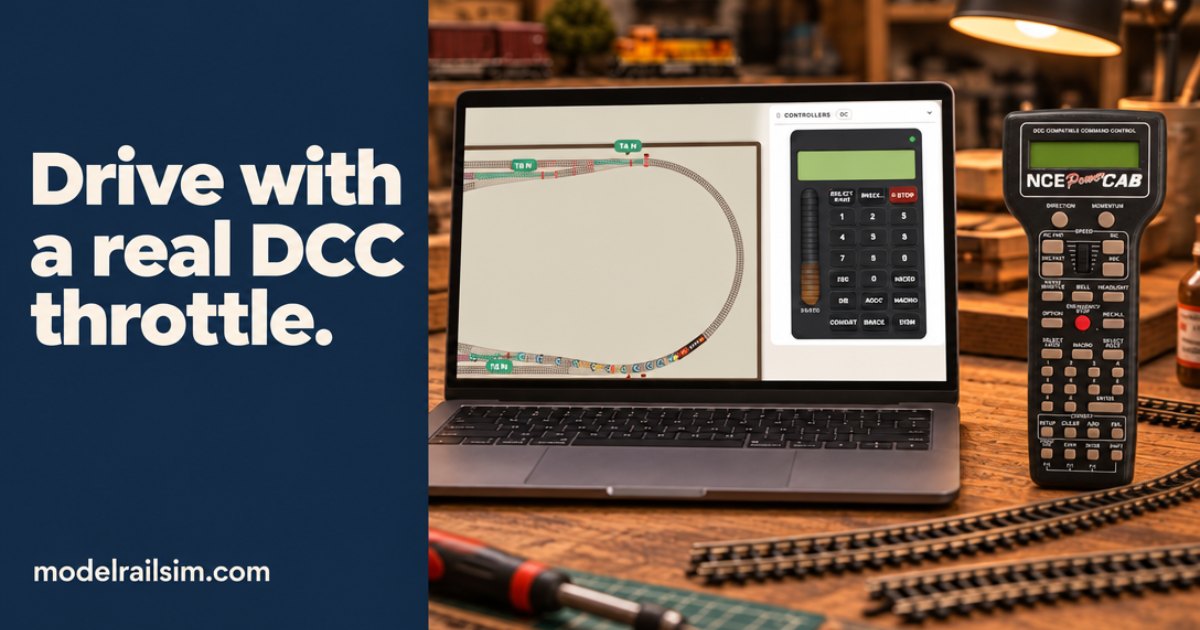
A steady hand on a climb shows up as a steady train.
Three cars on the lead. The last one has to go to the far end of the siding without touching the bumper. You crack the throttle, the switcher creeps, and you start shutting off a car length early because you know it will roll. That small habit is most of what a throttle is for.
This post is about the throttle in modelrailsim: the cab on the screen, your own DCC handset driving the simulator, and the simulator driving your real layout.
What the throttle is really doing
On a DCC layout the throttle doesn't send power to the train. The rails carry full power all the time. The throttle tells the command station what you want: this address, this speed step, this direction, these functions. The command station puts that on the rails as packets, and the decoder in each loco listens for its own address.
So speed comes in steps, not a smooth voltage. On a real NCE Power Cab you can toggle between 28 and 128 speed steps, and set speed with a thumbwheel or the INC and DEC buttons. Fine steps at the bottom of the range are what let you ease a car onto a coupler instead of slamming it.
That's why the feel of the controller matters. A throttle you can hold steady is the difference between easing a train into a siding and jerking it past the signal.
The cab on the screen
The cab in the simulator is modeled on the NCE Power Cab, or on the Digitrax DT602 if that's what you own. Speed steps, consists, macros and functions are all there, so the controls you already know are the controls you use on screen. [check: which on-screen control or key stands in for the Power Cab's thumbwheel and INC/DEC buttons]
The trains behave the way your hand expects:
- They take time to get going. A train eases up to speed rather than jumping to the step you set.
- They coast. Back off and the train rolls on. Shut off early, as you would at the club.
- Grades are real. The Pulling Power card in the Layout Designer puts an HO GP38-2 at about 39 forty-foot cars on the level and 17 up a 2% grade. In the simulator the same math runs the trains. Too heavy, and the wheels slip and the train stalls on the climb.
- Turnouts have addresses. Each turnout's number is its accessory address, as with ACCY on the cab.
A steady hand on a climb shows up as a steady train. Hunt up and down the speed steps on a 2% ramp and you'll see it in the cars.
If you've never used DCC, the tour walks you through driving, the points and coupling in about two minutes. Every key and mouse action is listed under the keyboard button at the bottom right.
Your own handset, driving the screen
The on-screen cab is good practice. Your own throttle in your hand is better. The Real controller lets your DCC handset drive the simulator.
The box that makes it work is the DCC Sniffer. It takes two wires to your command station's track output and a USB cable to your computer. It reads what the command station puts on the rails, the same packets a decoder would hear.
There is no setup to speak of:
- The sim loco with the same number as the one on your handset follows its speed, direction, bell and horn.
- A turnout thrown from the handset throws the sim's turnout with that accessory number.
- Nothing has to be added under Real locos first.
You don't need a physical layout either. The sniffer only needs the command station's track output, so a Power Cab on the desk is enough. The prototype was tested on an NCE Power Cab: about 1,400 packets every five seconds, none bad.
Manufacturing is in progress. It will be $39 in the modelrailsim store, with a target of mid to late November 2026. Dates on the What's new page are targets and may move. [check: whether the sniffer has been tested with command stations other than NCE]
If you already own NCE's DCC Meter/Analyzer, the Real controller card reads that too. The headlight, bell, whistle and emergency stop from the handset all follow, and a loco heard on the rails with no sim loco is offered to the board in one click. [check: how the Meter/Analyzer connects to the computer] A packet monitor on the card shows every line the meter or sniffer sends, decoded beside it: loco, step, direction, functions, accessory. It's a handy way to see what your throttle is really saying.
The Real controller is free for everyone for a limited time. After that it's part of the paid plans, which start at $29 a year. See Pricing.
And the other way: the simulator on your layout
It works in reverse too. With Real layout, the simulator drives your layout over USB from an NCE system. Digitrax is coming soon. [check: which NCE interface the Real layout guide names for the USB link]
Each real loco has a twin on the screen, and two things keep them together:
- Real blocks. With an NCE AIU on the cab bus and a detector per block, the Real layout card reads which block each real train is in. When the train enters a block, its twin moves there, so the two never drift apart. You give each block its AIU number, input and the track it covers.
- Time it. On a real loco's row, press Time it and run the loco between two marks a known distance apart. Its twin is then scaled to run at the real loco's speed at every step, in both directions.
The Real layout guide has a table of the three boxes that can sit between your layout and the computer: what each does, which card it belongs to, and how its port shows up. Read it before you buy anything.
Real layout is also free for a limited time on the free account, then part of the paid plans.
No layout? Start with a plan
You don't need a railroad on the bench to try any of this. The Layout Designer builds from real sectional and flex track, 40 systems from 18 makers plus handlaid. Plan a design, save it, and it opens in the simulator wired and ready to run.
A small switching shelf is a good first test of your throttle hand. A run-around and three spurs will do. The Rolling Stock card tells you how many 40 ft cars each spur holds to its clearance point, so you know before you start how tight the moves will be.
Or skip the planning and open one of the built-in layouts: the Inglenook, the Inglenook with an industry spur, or the Timesaver.
Something to try tonight
Open the simulator and start the Inglenook. Set yourself one rule: no car touches another car or a bumper faster than a walk. Shut off a car length early and let the train coast in. If you overshoot, note the speed step you were on and try one lower next time.
When the sniffer is on your desk, run the same puzzle with your own Power Cab in your hand. You'll find out quickly whether your thumb or your mouse is the steadier of the two.
New posts by email
A short email when there's a new post. Nothing else, and you can stop any time.
More from the blog
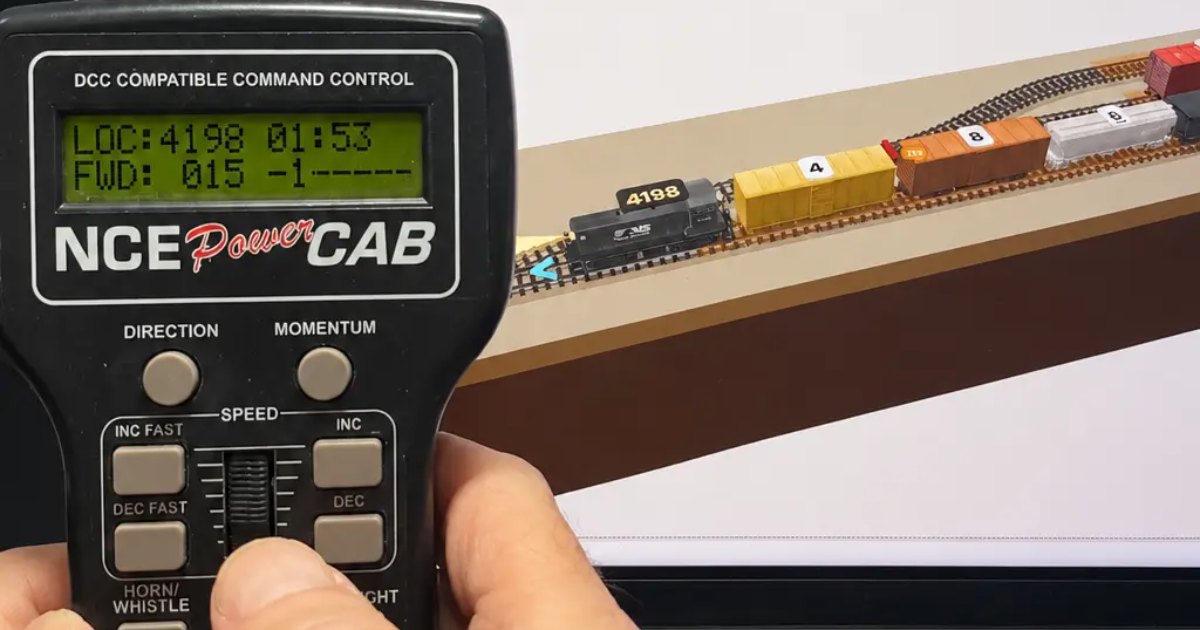
Drive the simulator with the DCC throttle in your hand
Use your own DCC handset to drive modelrailsim: what follows your throttle, the sniffer that connects it, and a first run on the Inglenook to try tonight.
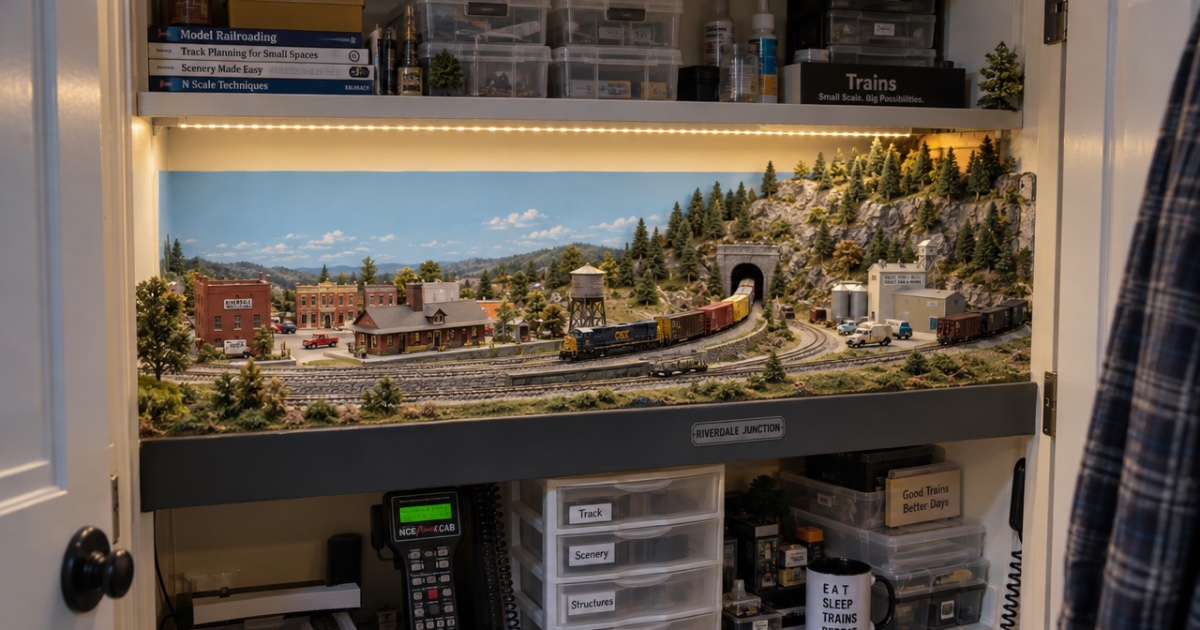
Building a layout in a spare closet: plans that fit
How to fit a model railroad in a spare closet: measuring reach-in and walk-in closets, switching plans that fit, benchwork tips, and checking it before you cut.
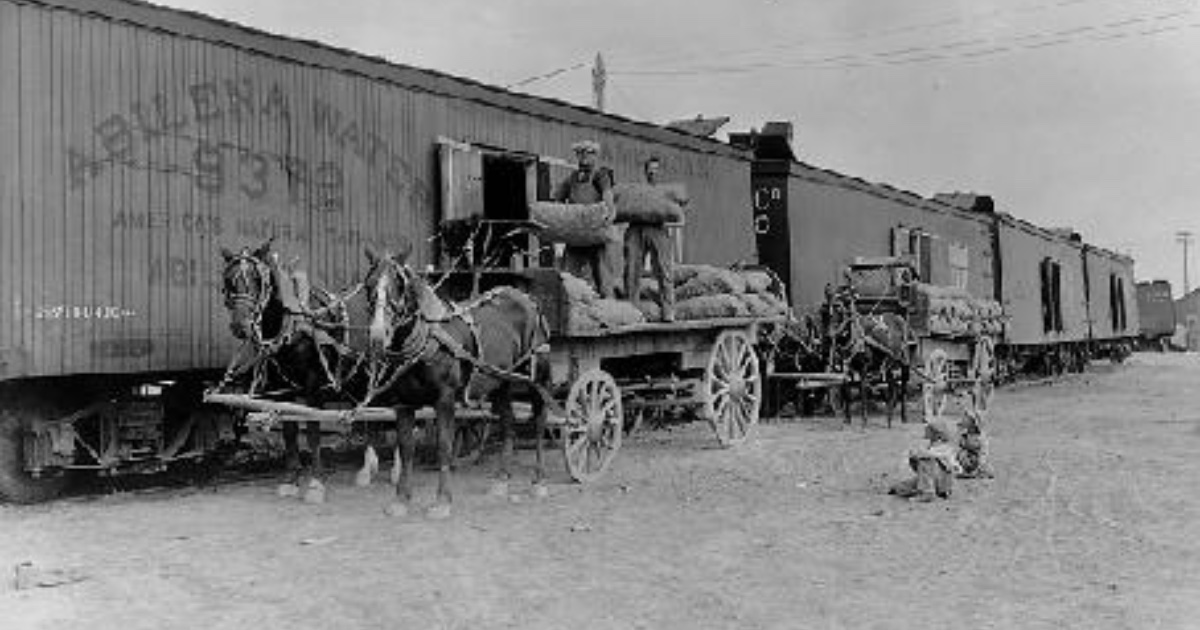
Team tracks: the industry with no building
A team track is a railroad-owned spur where any shipper can load or unload a car. What the prototype built, what went there, and how to model one in inches.