Who gets the throttle next? Running a club layout with a crew
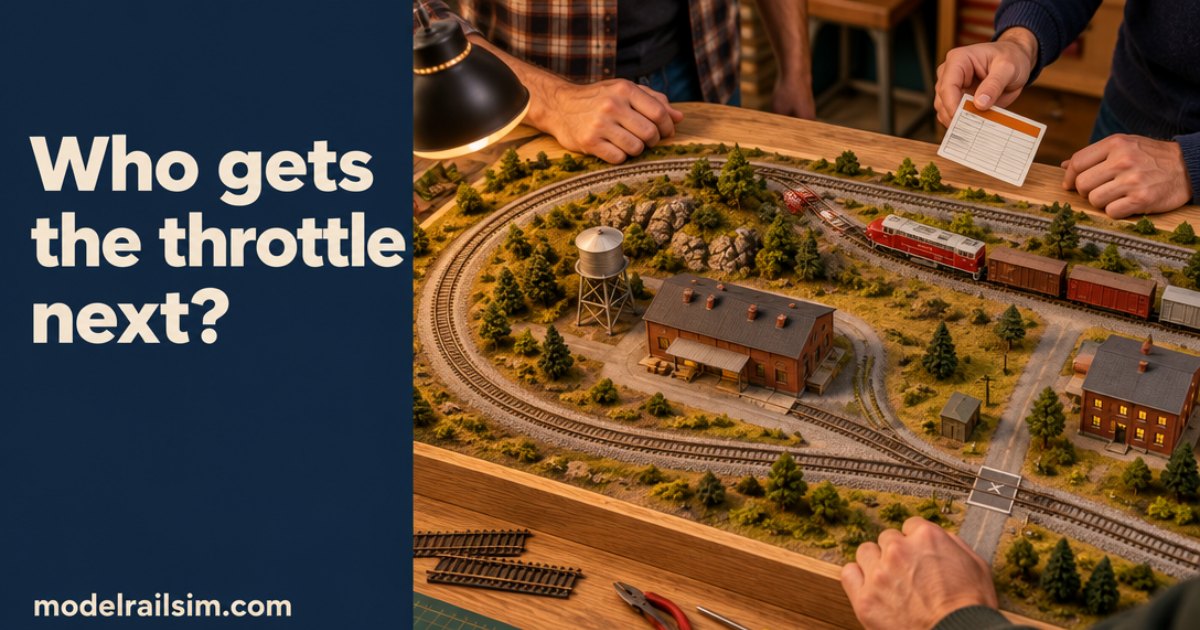
That isn't a throttle problem. It's a jobs problem.
Work night is over and someone says, "Let's run something." There's one throttle on the fascia and four people around the bench. Ten minutes later one person is running, two are watching, and the fourth is pointing at three boxcars on the passing siding, asking whose they are. Nobody knows. The train that left them there has gone round the loop twice since.
That isn't a throttle problem. It's a jobs problem. If everyone knows their job before the first move, most of the queue goes away.
Why the queue forms
A shared throttle with no plan goes wrong in three ways:
- Waiting. One person drives and everyone else watches.
- Handover mid-run. Someone takes a train halfway through a move and doesn't know what the last person meant to do with it.
- Orphan cars. Cars stay where they were dropped, with no record of where they were going.
Clubs that hold real operating nights fix this the way the railroads do. Each person has a train or a job. One person controls the main line. Paperwork says which car goes where. modelrailsim works the same way.
One railroad, several screens
A club session puts one railroad on several members' screens at once. Each person runs on their own computer, tablet or phone, so nobody is reading over someone else's shoulder. Members join free with the host's code or link. Only the host needs a plan.
The session has the roles a club crew already knows:
- Crews on locos. Your loco is yours for the whole session. Nobody takes over a train mid-move, because there is nothing to hand over.
- A yardmaster. In club practice, the yardmaster sorts the yard, makes up the outbound trains and keeps the yard lead clear for road crews.
- A dispatcher. The dispatcher works the dispatcher's desk and grants track authority on the main. Nobody goes out on the main without it.
With roles set, the question changes. Nobody asks "who's next on the throttle?" They ask "is my local ready to leave?" That's a better question to have at the bench.
Paperwork before the first move
Roles keep people out of each other's way. Paperwork tells them what to do. Pro's operating sessions make up waybills and switch lists fresh for every session, so the work is new each time. A switch list for a local looks like this:
Pick up GATX 4417 tank, empty, at Tank Farm. Set out NP 30112 boxcar, paper, at Mill door 2. Depart 07:40.
That's three lines, and the crew member knows the job. Here's what else a session gives you:
- Light, Medium or Heavy work. Use Light for a first night, or when half the crew has never switched a spur.
- Spotting at the doors. A car for Mill door 2 goes to door 2, not just somewhere on the siding.
- A fast clock with departure times. The 07:40 local has a reason to get moving.
- Printed switch lists. Hand one out with the coffee if your crew likes paper.
- A score at the end, with a breakdown and an AI assessment, on the railroad's leaderboard.
Short a person? Give the job to the Conductor. Ask it to work a job and it reads the layout, plans the moves, tells you the plan, and then drives it. It keeps off the main without track authority. If the job needs the main, it says so and waits for the dispatcher, like any other crew. The Conductor runs on AI Credit. Every account starts with $5 of it.
Rehearse it before anyone buys track
This part saves the most money. You can run a whole operating night on a layout that only exists as a plan.
- Draw it in the Layout Designer. Use the real pieces of the track you'd buy, from 40 track systems, T to G. Turnouts, spurs and run-arounds go where you want them.
- Check the sidings. The Rolling Stock card lists every siding with its length to the clearance point and how many 40 ft cars it holds. Fill a siding in one click and see whether your local fits in it.
- Check the hill. The Pulling Power card shows how many cars each loco takes up your grade. In HO, a GP38-2 takes about 39 40 ft cars on the level and 17 up a 2% grade. If the switch list builds a train longer than that, you'll know before the night it stalls.
- Save it. The design opens in the simulator wired and ready to drive.
- Set it up for operations and run a first session on your own. Both are free, and the first operating session walks you through it step by step.
- Then run it with the crew. Host a club session and let three people find out what one person missed.
A crew finds problems fast. The yard lead is too short to clear the passing siding. Two jobs need the same spur at 08:00. The industry spur faces the wrong way for how trains come off the main. These are cheap fixes on a plan. They cost a lot more after the roadbed is glued down.
Once the crew is happy, the parts list is waiting. It lists every piece by part number, with the packs to buy and the maker's retail price. Send members a share link and they can see the plan and the parts list without an account, and open a copy to try their own version.
If your club already runs NCE or Digitrax, you can bring your own throttle too. The Real controller lets your own DCC handset drive the simulator, free for a limited time. The DCC Sniffer that connects it is due in the Model Rail Sim store at $39, with a target date of mid to late November 2026.
What it costs
Driving, the Layout Designer, joining a club session and a first operating session are free. Operating sessions are free for a limited time. After that they come with the Operations Fan plan at $29 a year. Hosting a club session takes Pro, at $59 a year for up to 3 guests, or Pro Club, at $179 a year for up to 20 members.
Try this before the next work night
Lay out a shelf switching layout with a run-around and three spurs. Use whatever track system your club runs. Save it, set it up for operations, and run a first session at Light on your own. Write down the one move that tripped you up. Then send two club members the link and run it again as a crew, one on the local and one dispatching. You'll know by the end of the evening whether the plan is worth building.
New posts by email
A short email when there's a new post. Nothing else, and you can stop any time.
More from the blog
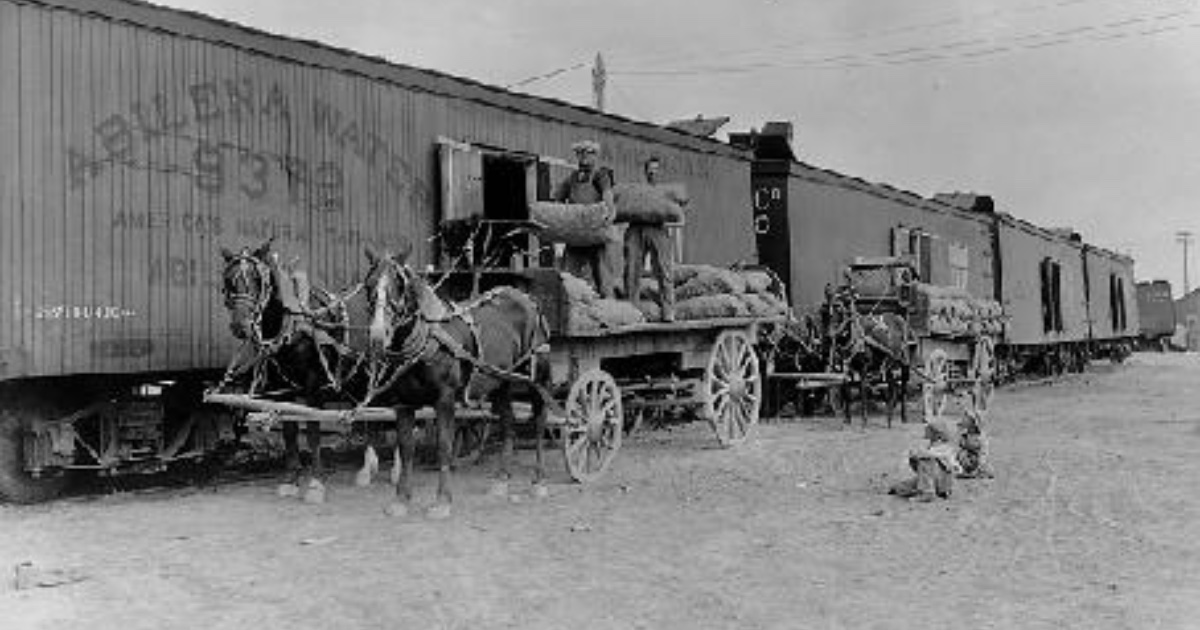
Team tracks: the industry with no building
A team track is a railroad-owned spur where any shipper can load or unload a car. What the prototype built, what went there, and how to model one in inches.
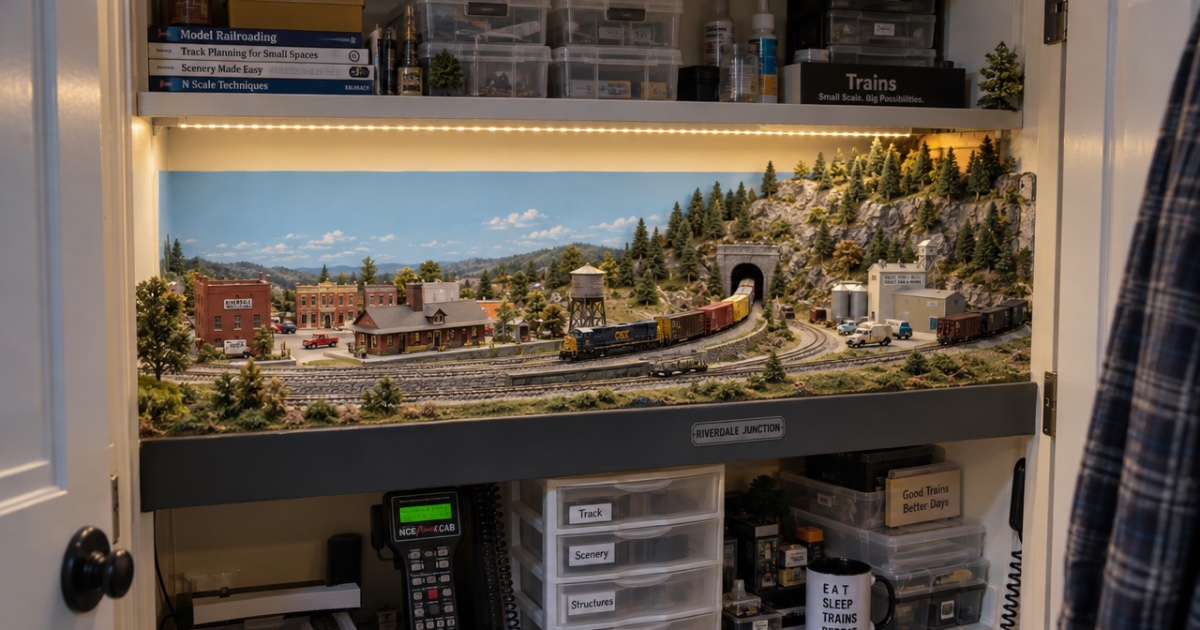
Building a layout in a spare closet: plans that fit
How to fit a model railroad in a spare closet: measuring reach-in and walk-in closets, switching plans that fit, benchwork tips, and checking it before you cut.
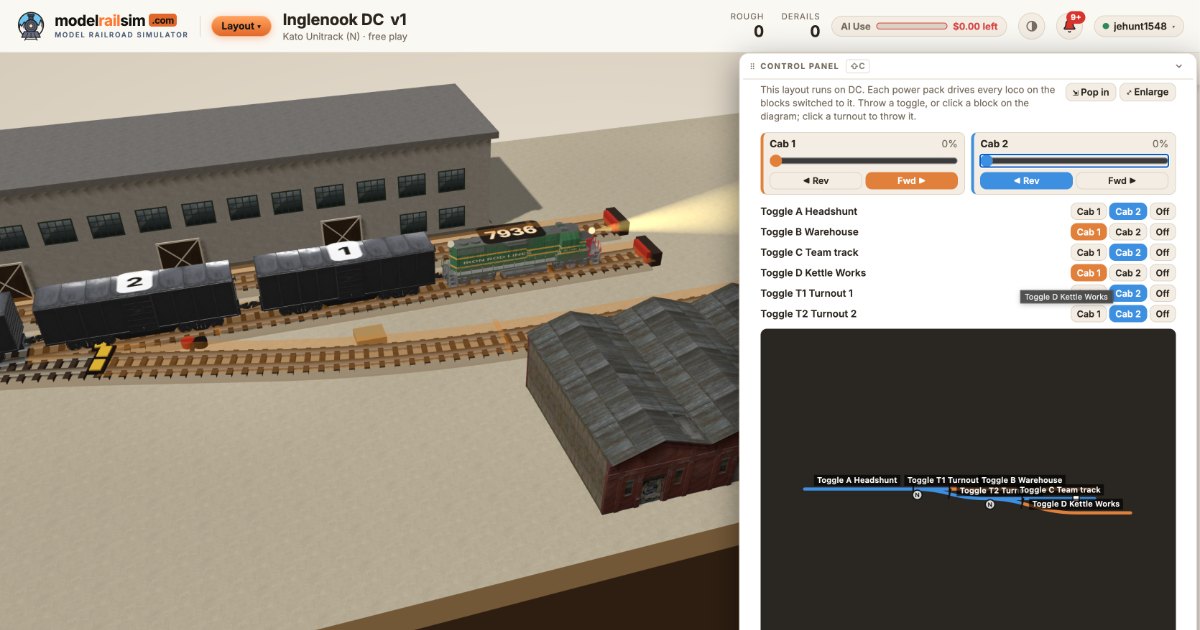
Checking a DC layout's polarity, feeders and blocks before you build
Reverse loops, missing feeders and dead blocks are where DC layouts fail. See how the Layout Designer checks polarity, feeders and blocks before you lay track.