One line
modelrailsim.com is a free model railroad simulator and track planner that runs in the browser.
Logos, colors, product images, the facts and ready-made descriptions. All of it is free to use in coverage, reviews, videos, club newsletters and store pages. If you need something that isn't here, write to press@modelrailsim.com.
Three lengths, ready to paste. The text file has all three.
modelrailsim.com is a free model railroad simulator and track planner that runs in the browser.
modelrailsim.com is a model railroad simulator and track planner in the browser. Lay real pieces from 39 track systems by 18 makers, in eight scales from T to G, see every problem before you buy, get the parts list with prices from real stores, and drive the layout from a cab modeled on the NCE Power Cab or the Digitrax DT602. Two classic switching puzzles, the Inglenook and the Timesaver, are scored with a leaderboard. The app is free; its two AI helpers, the Planner and the Conductor, use AI Credit, with the first $5 included. modelrailsim is made by Iron Rod Systems LLC in Salt Lake City, Utah.
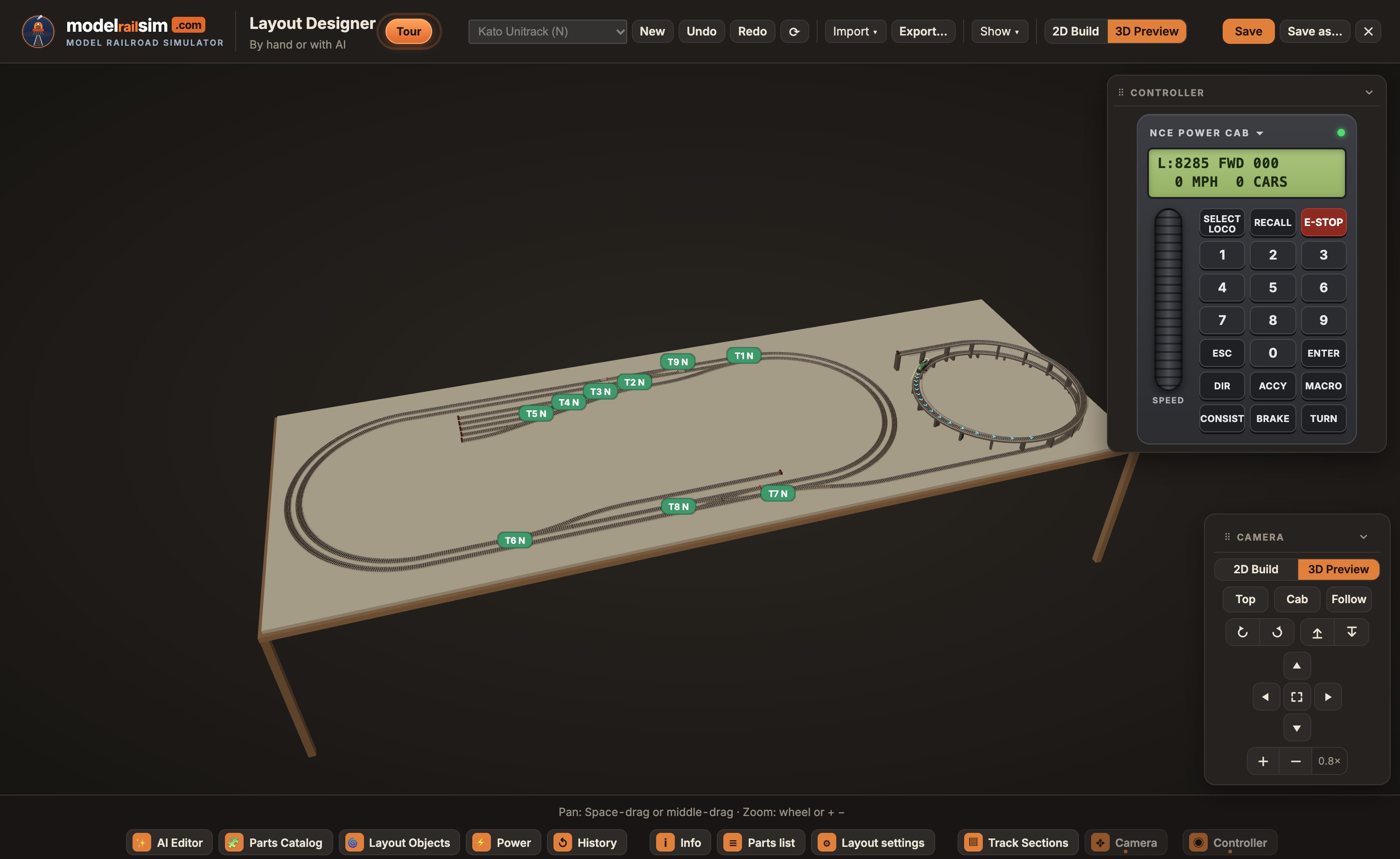
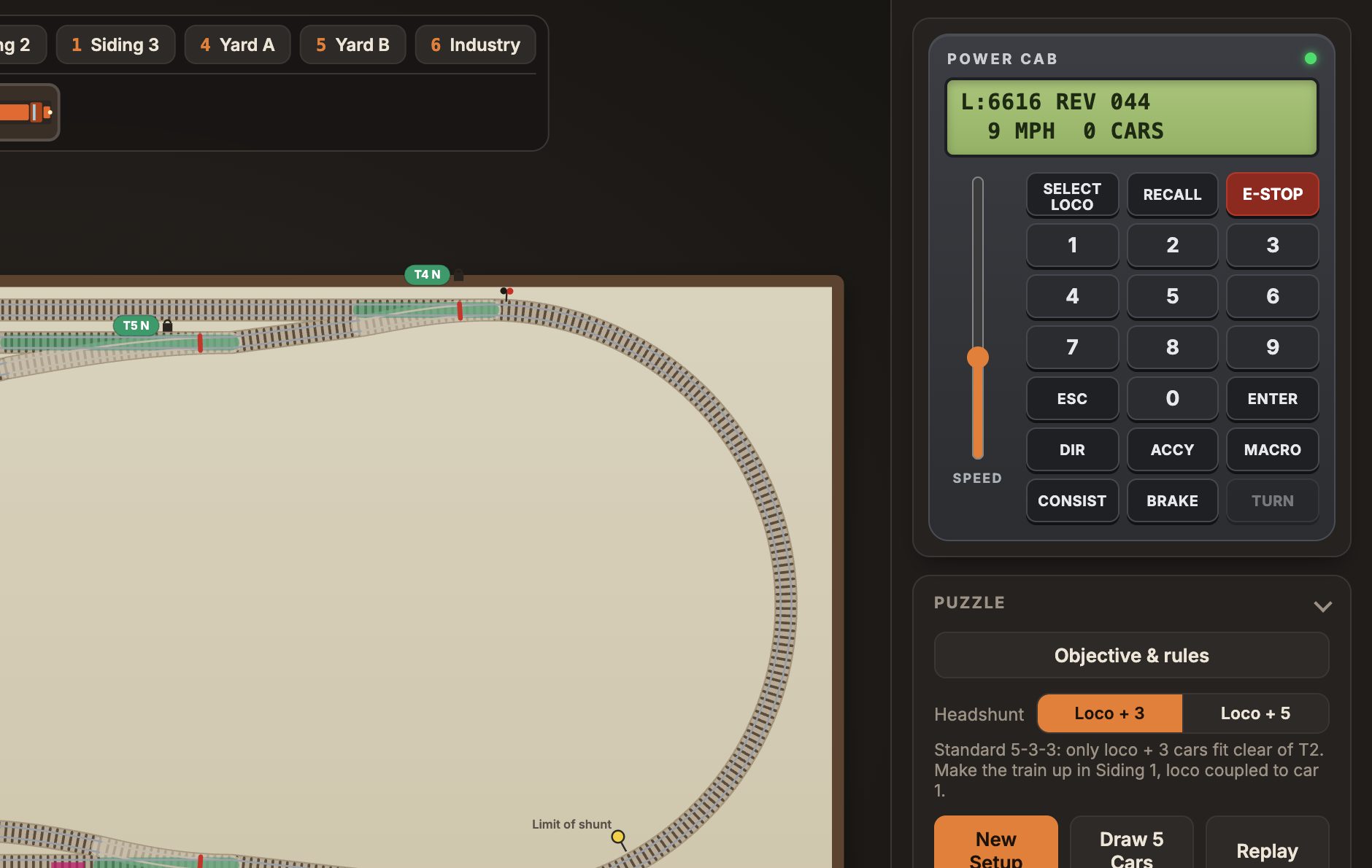
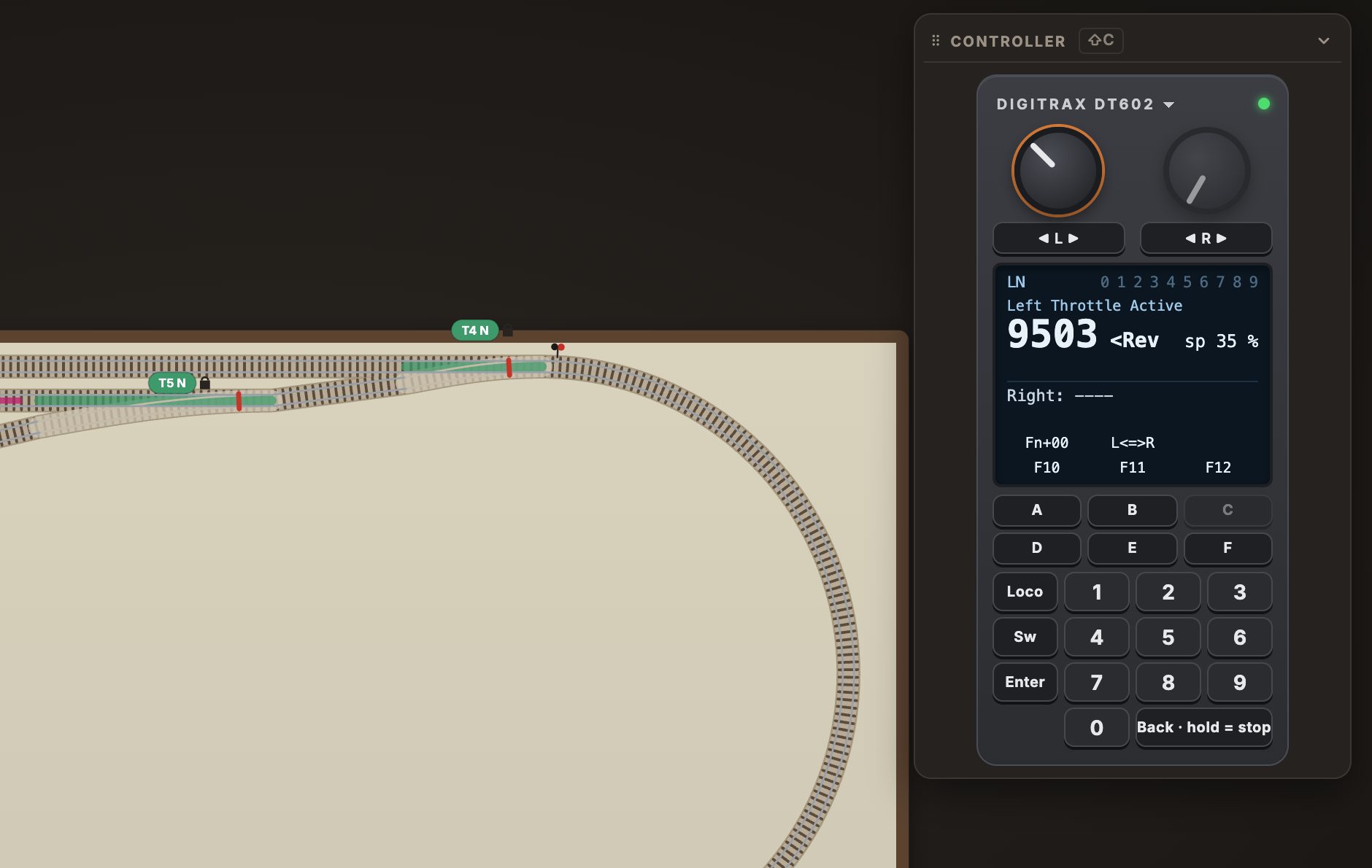
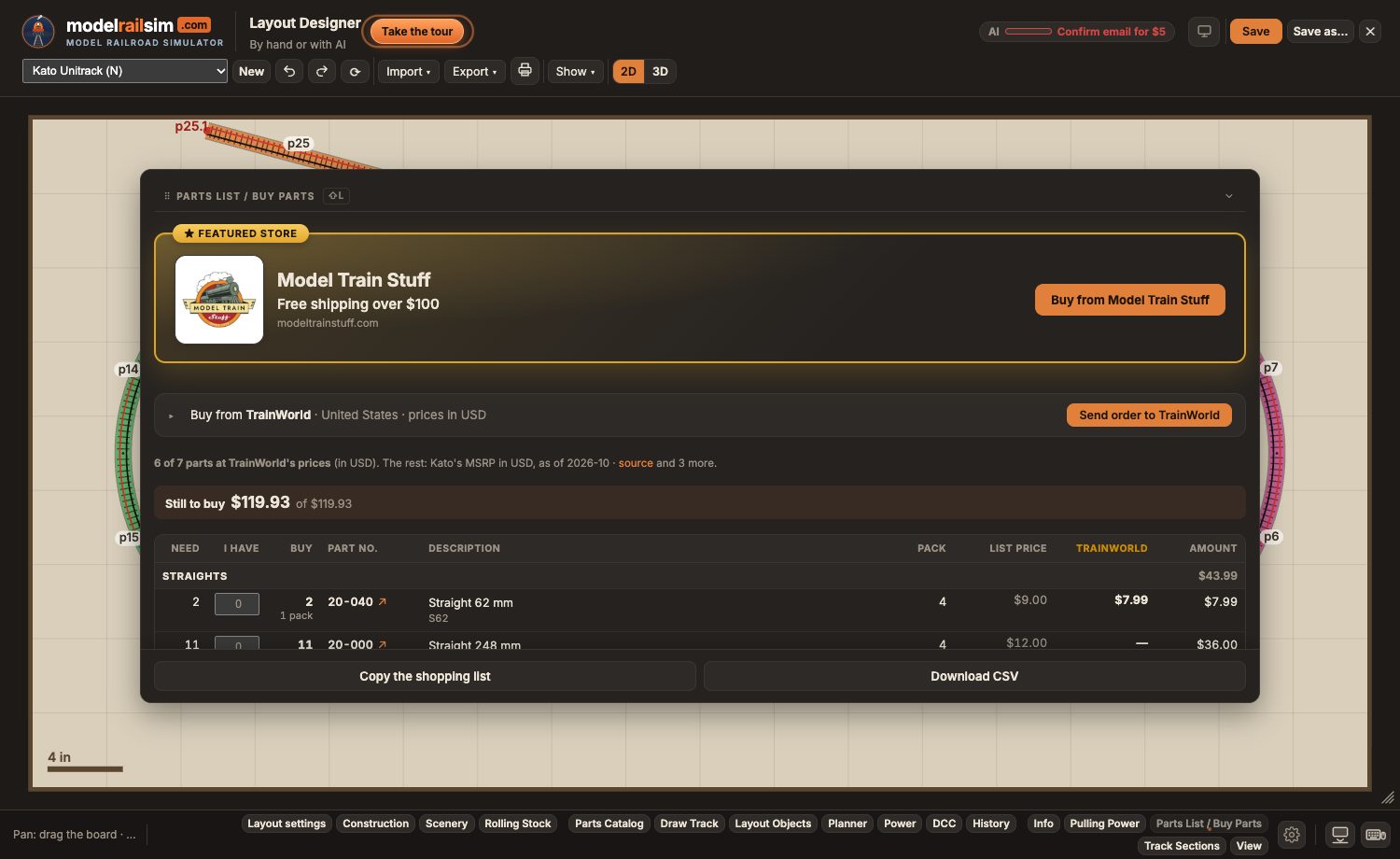
modelrailsim.com is a model railroad simulator and track planner that runs in a browser on a computer, tablet or phone, with nothing to install. In the Layout Designer you lay real pieces, by hand or by describing the layout to the Planner, from 39 track systems by 18 makers in eight scales from T to G, each with its real geometry and part numbers. The Designer checks gaps, grades, clearances and wiring, places feeders, insulated joiners and auto-reversers, draws the benchwork and the DCC hardware under the board, and can put a photo of your room under the plan with the aisles checked. The parts list prices the layout at real stores, with live stock where a store is connected, and prints the plan 1:1, tiled, to lay track on. Save, and the design opens in the simulator wired and ready to drive, in 2D or 3D, from a cab modeled key for key on the NCE Power Cab or the Digitrax DT602, with real recorded sound. Two classic switching puzzles, the Inglenook and the Timesaver, are scored on moves and time against the fewest possible, with a leaderboard. The app is free with no time limit; the AI helpers use AI Credit, with the first $5 on the house and packs from $5. modelrailsim.com is made by Iron Rod Systems LLC, founded in April 2025 in Salt Lake City, Utah, by Jeff Hunt.
modelrailsim, lowercase, even at the start of a sentence. With the domain, modelrailsim.com. Not Model Rail Sim, not ModelRailSim, not MRS in text (the plate on the locomotive is the only place MRS appears).
Tagline: Model railroad simulator. Headline: Plan it. Price it. Buy it. Run it.
The AI helpers have names: the Planner in the Layout Designer and the Conductor in the simulator. Call it a simulator, not a game.
The mark beside the name in Inter 800, with "rail" in orange and the tagline beneath. This is how it appears at the top of every page.
 modelrailsim.comModel railroad simulator
 modelrailsim.comModel railroad simulator
Two drawings of the same locomotive. The vector mark is the everyday logo: it is what the site uses, and it stays sharp at any size. The illustrated mark is the full drawing, for print, merchandise and anywhere it can be shown large.
Use this one. Headers, icons, avatars, slides, anything on a screen, and print at any size. The ring and the track are ink on light backgrounds and white on dark: pick the file for your background.
SVG, for light SVG, for dark SVG, follows the theme PNG, for light PNG, for dark On cream On dark

The full drawing: rivets, the MRS plate, the peaks as a line drawing. For print and large placements, 200 px and up. Transparent background.
The same drawing with the name arched over it. Black lettering for light backgrounds, white for dark. For posters, banners and shirts where the mark stands alone.
The first drawing, with the mountains shaded. This is the one for T-shirts, mugs and other printed goods, on white or light fabric. White background, not transparent.
Click a swatch to copy its hex. The text file lists them all.
Type. Inter, 800 for the name, 400 to 600 for text, with the system sans-serif as the fallback. Headlines are set large and tight.
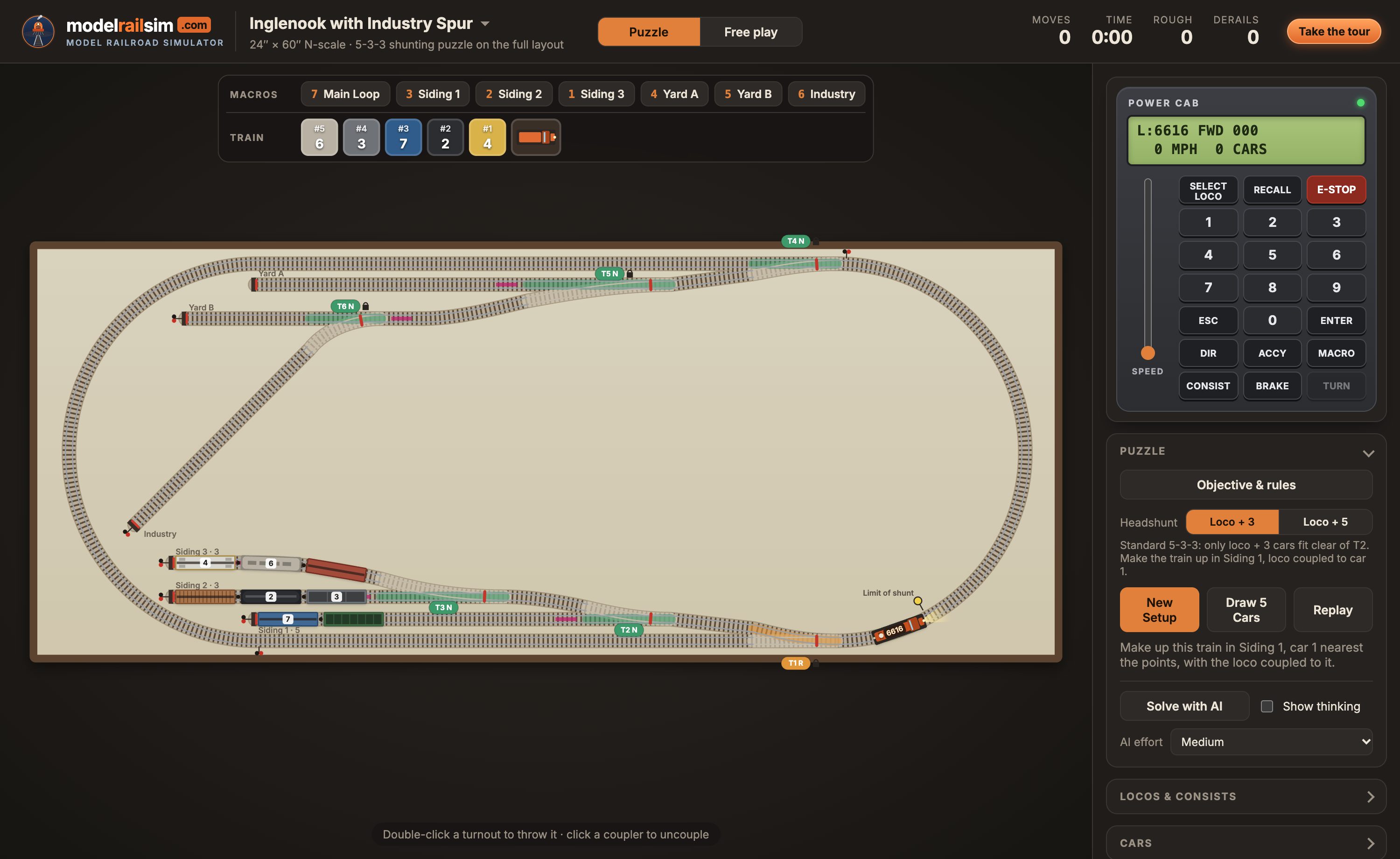
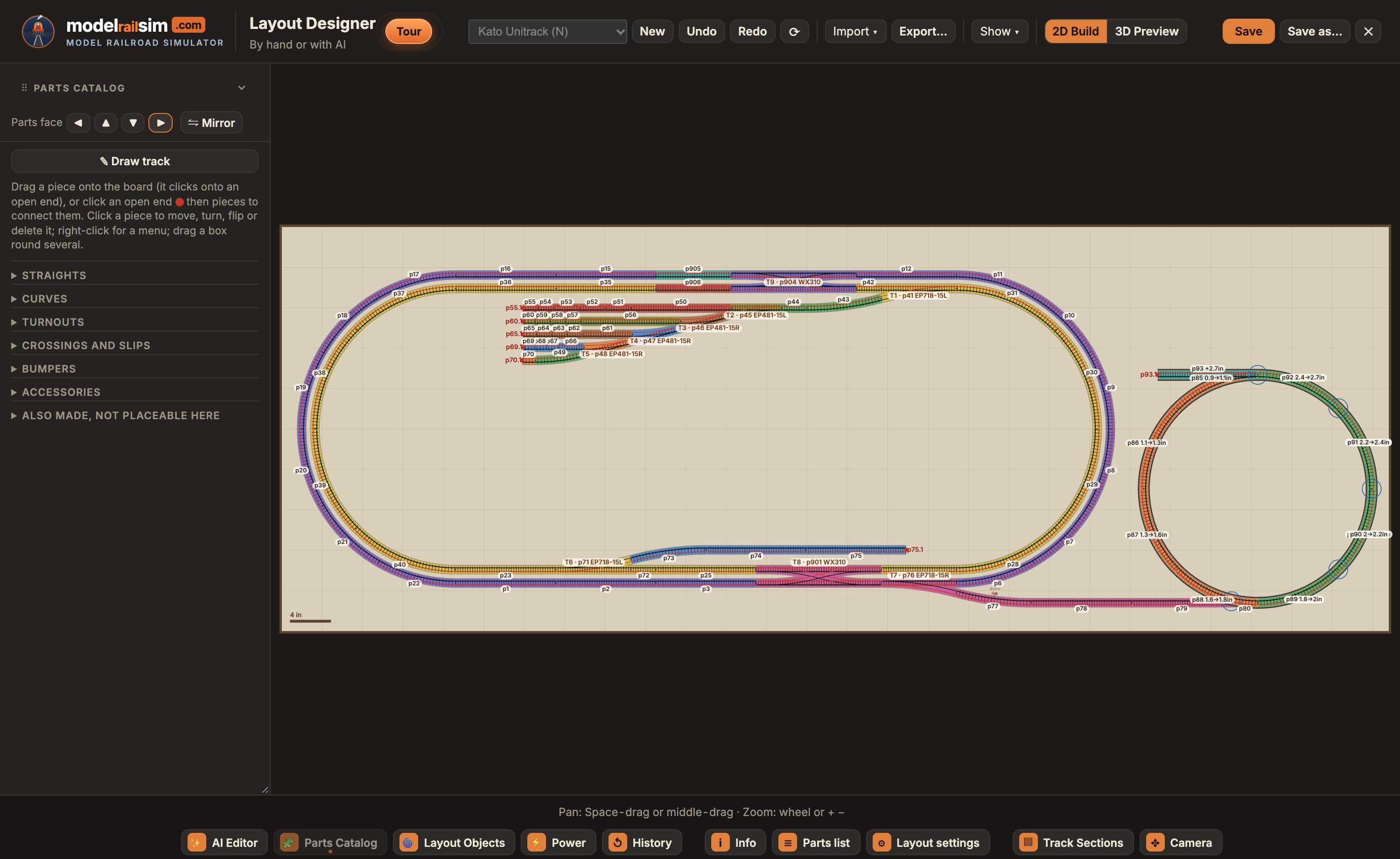
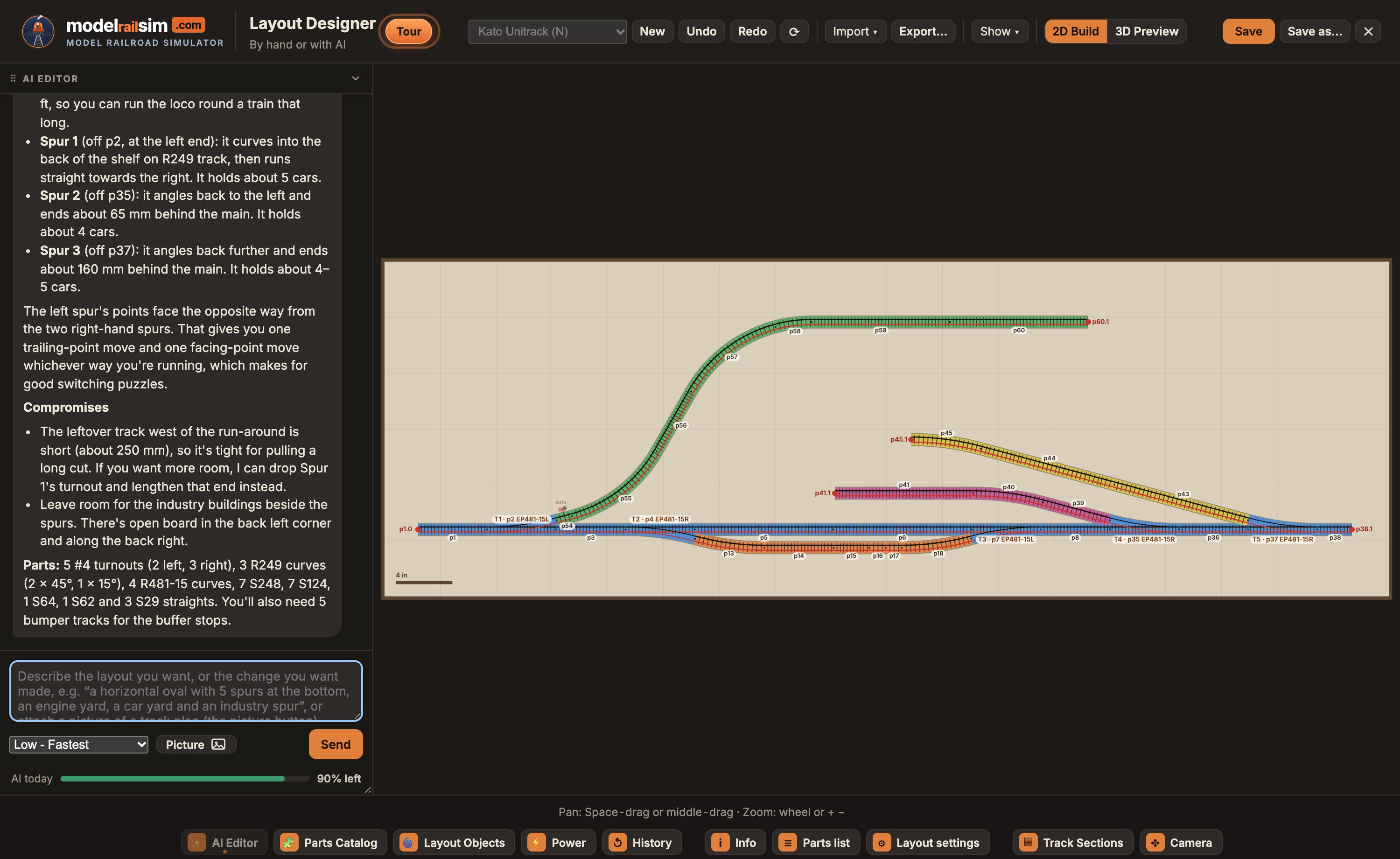
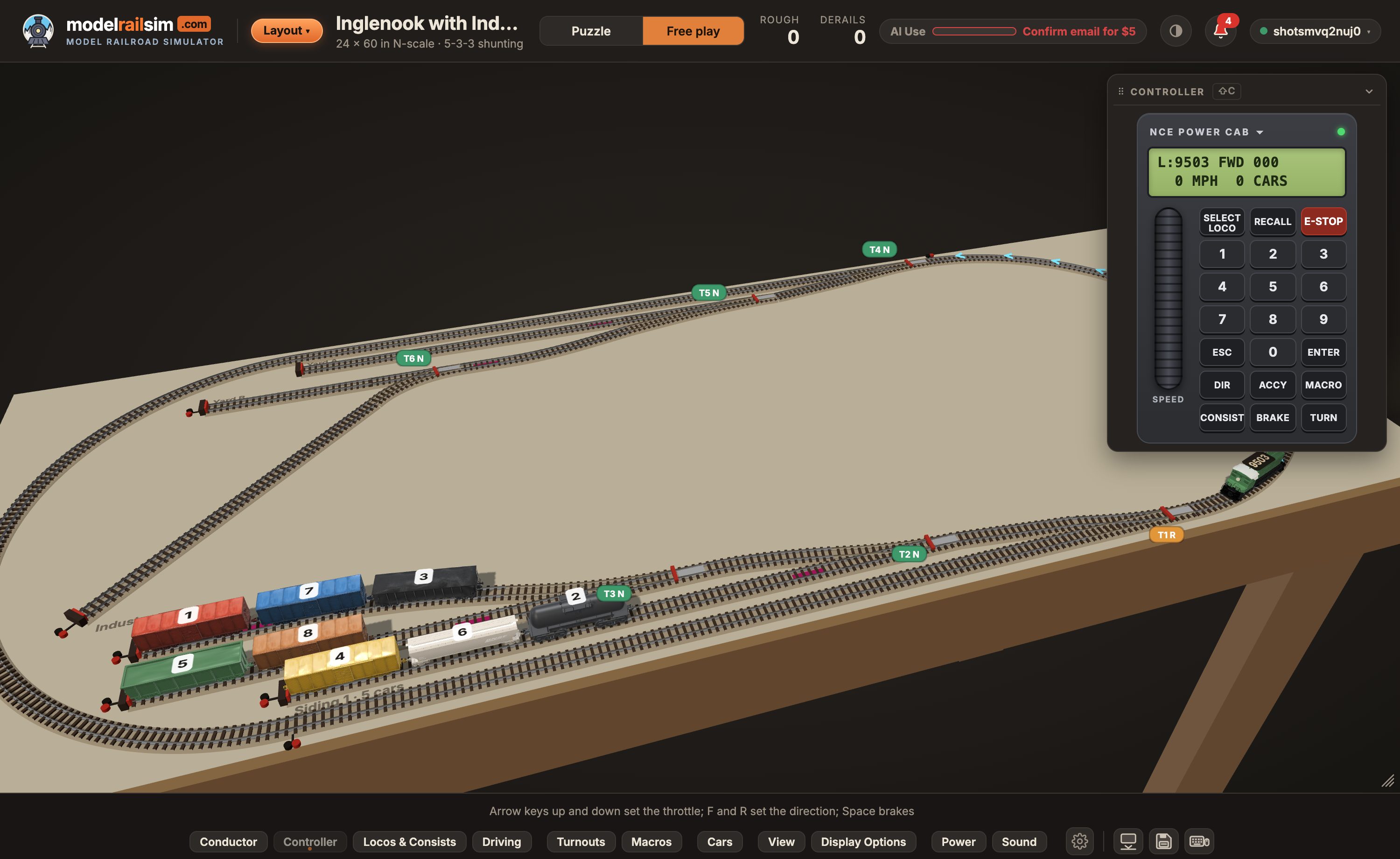
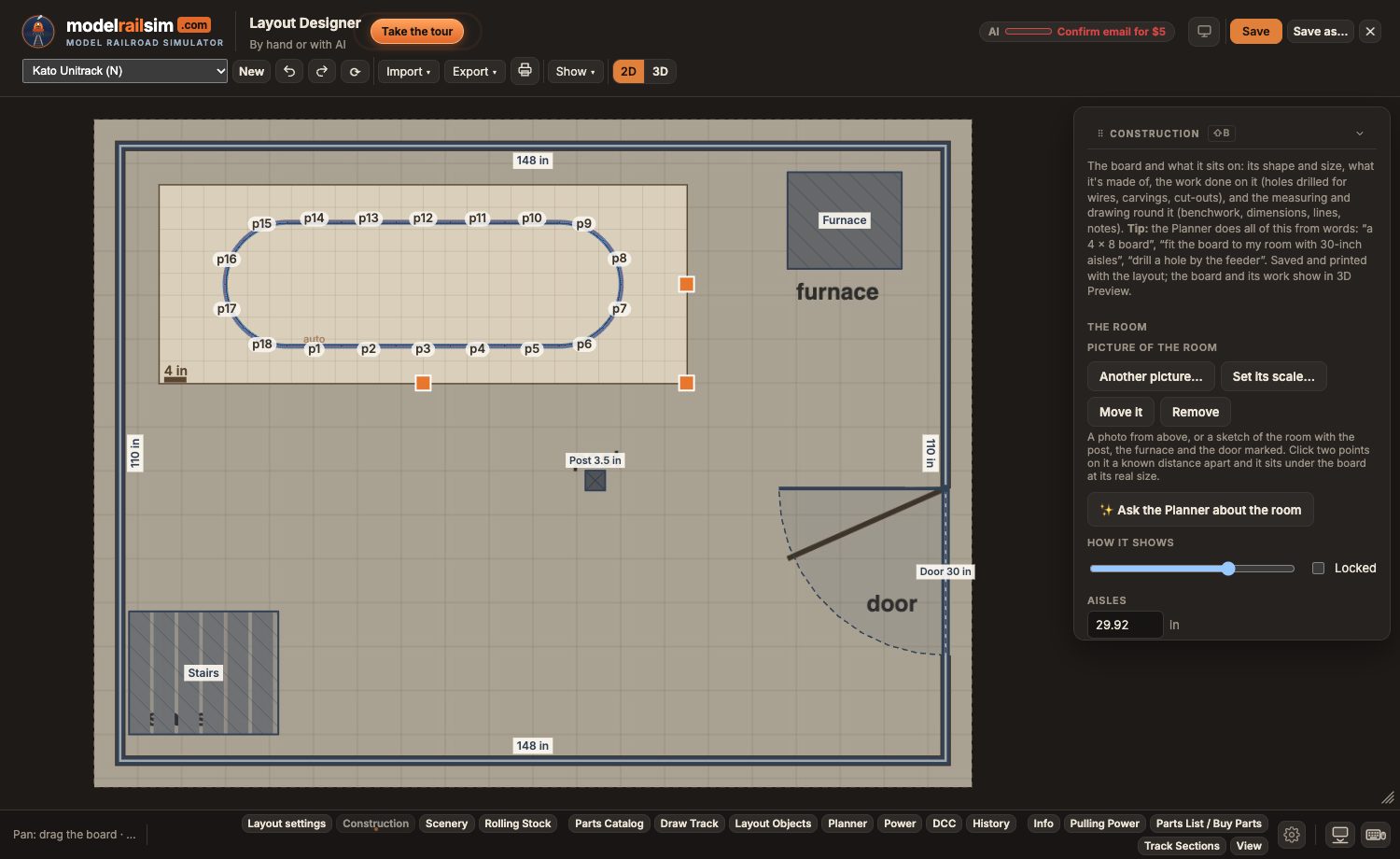
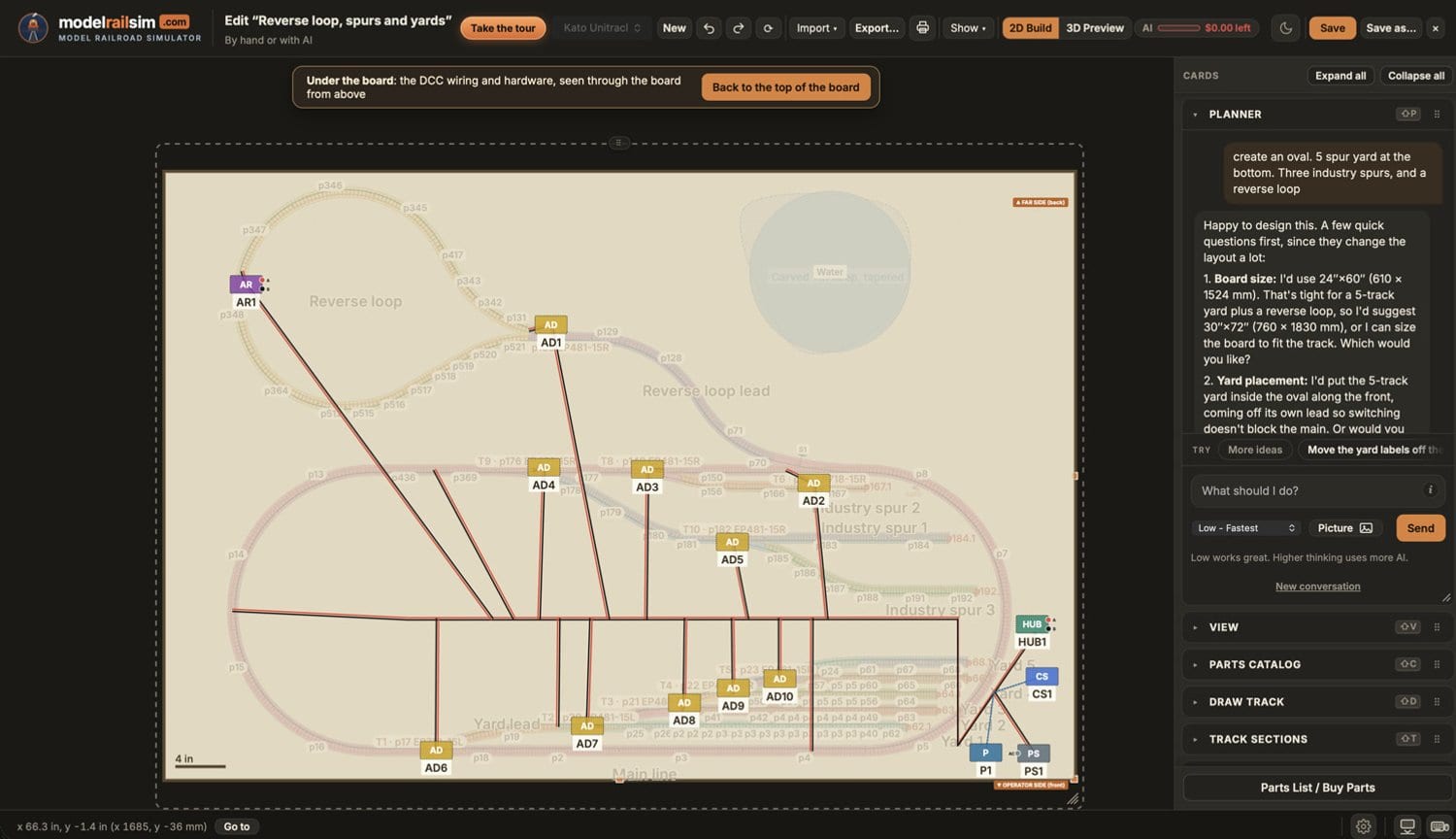
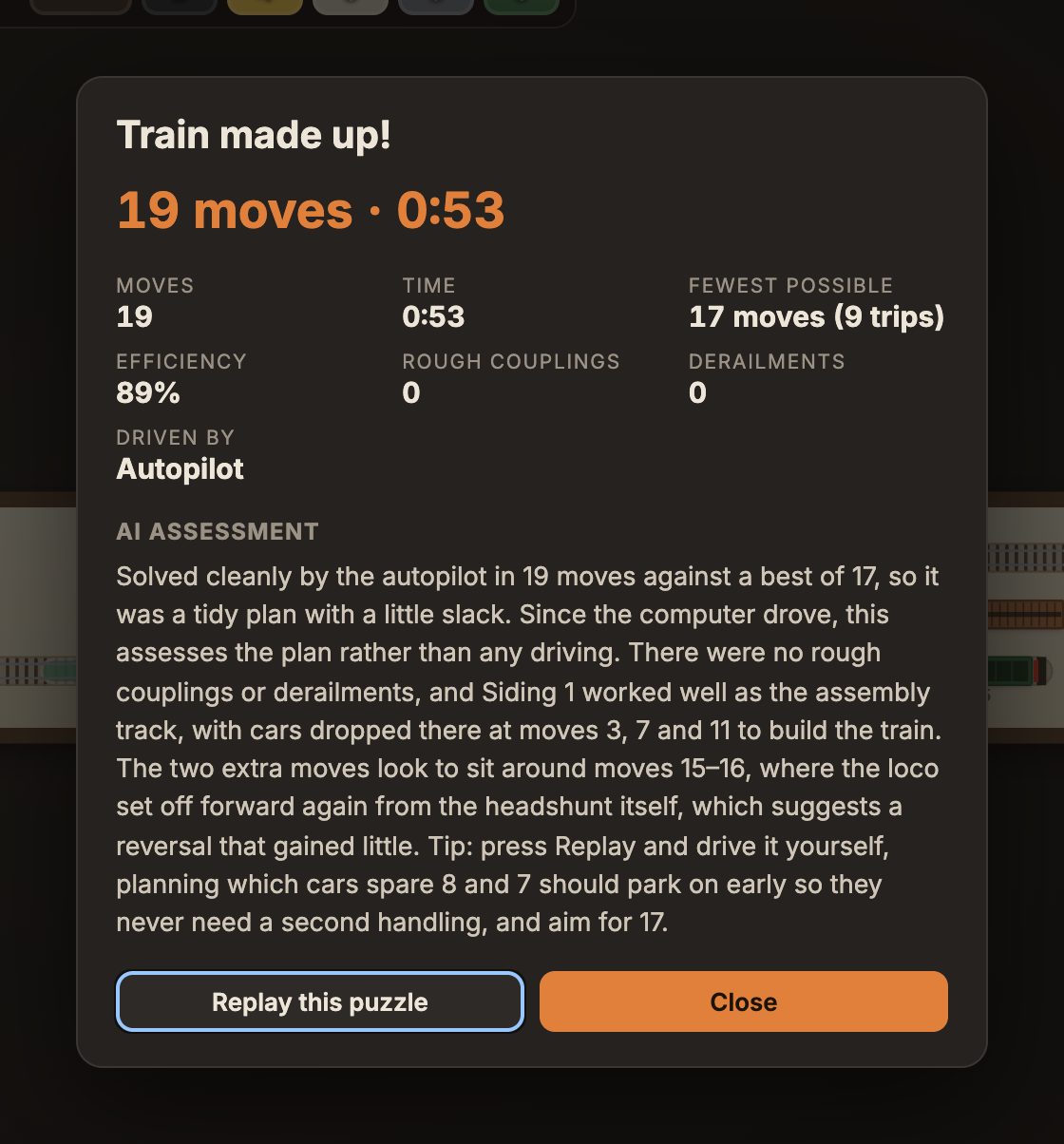
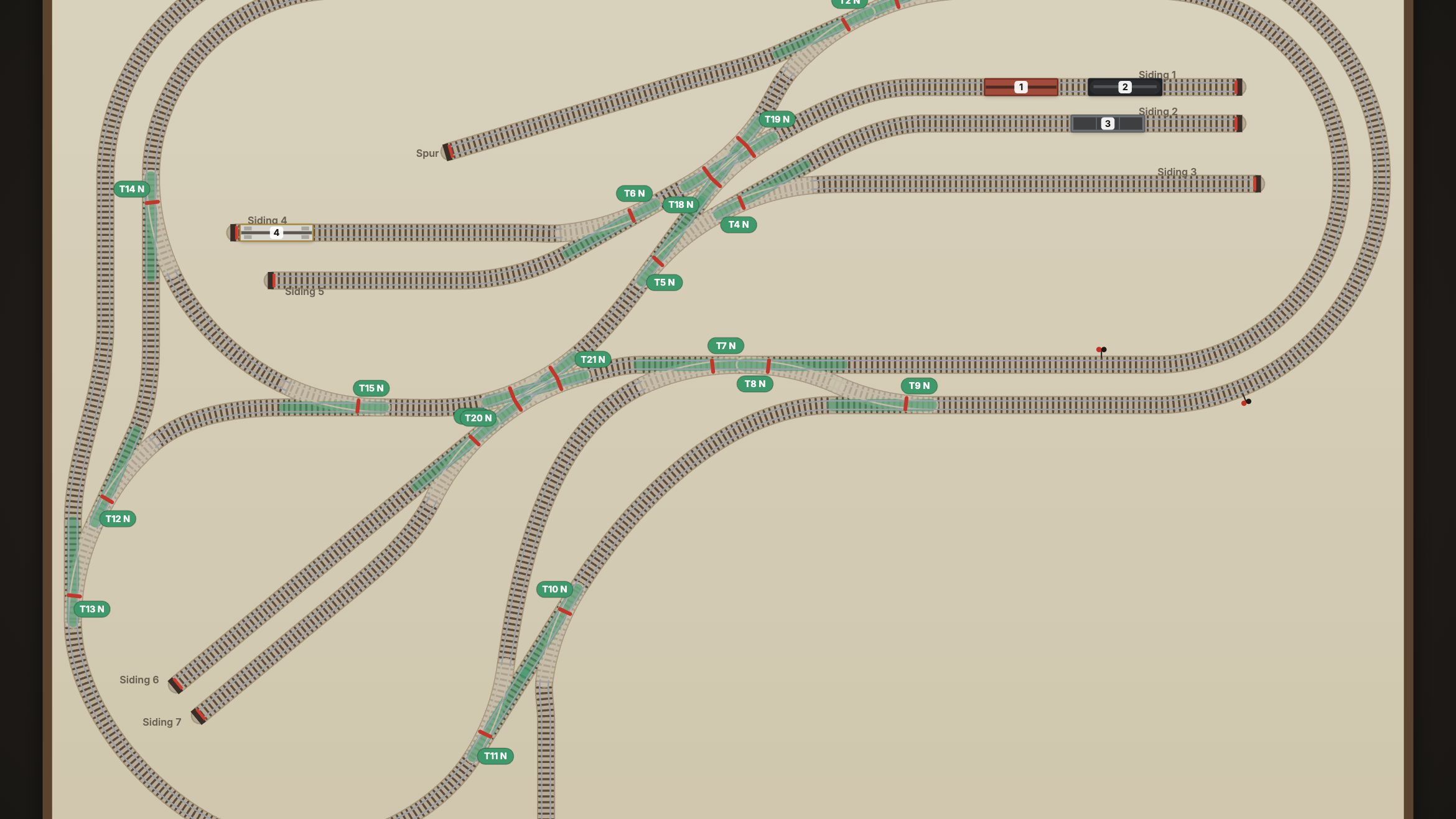
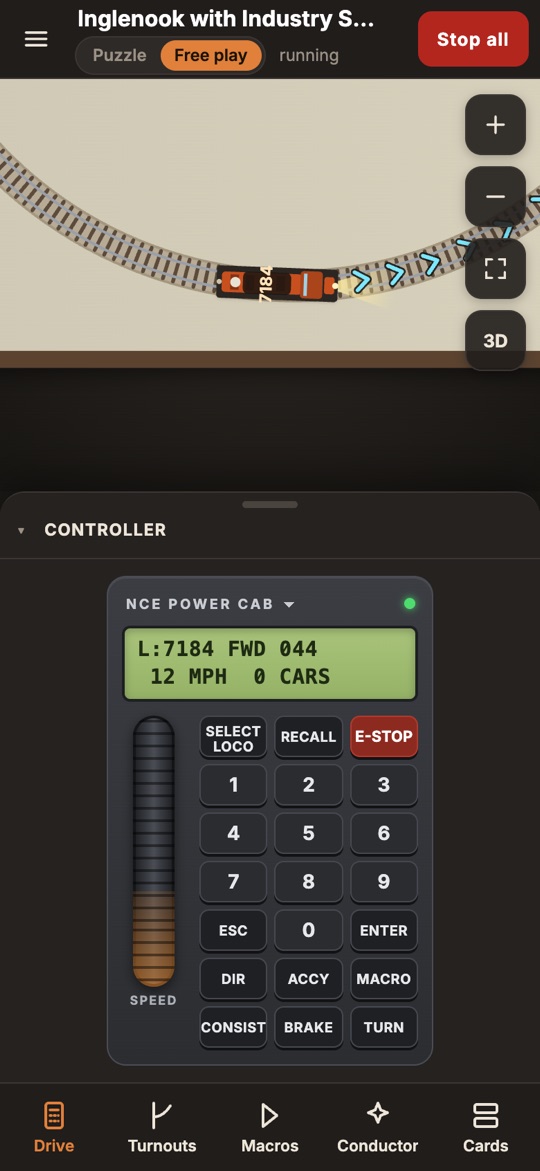
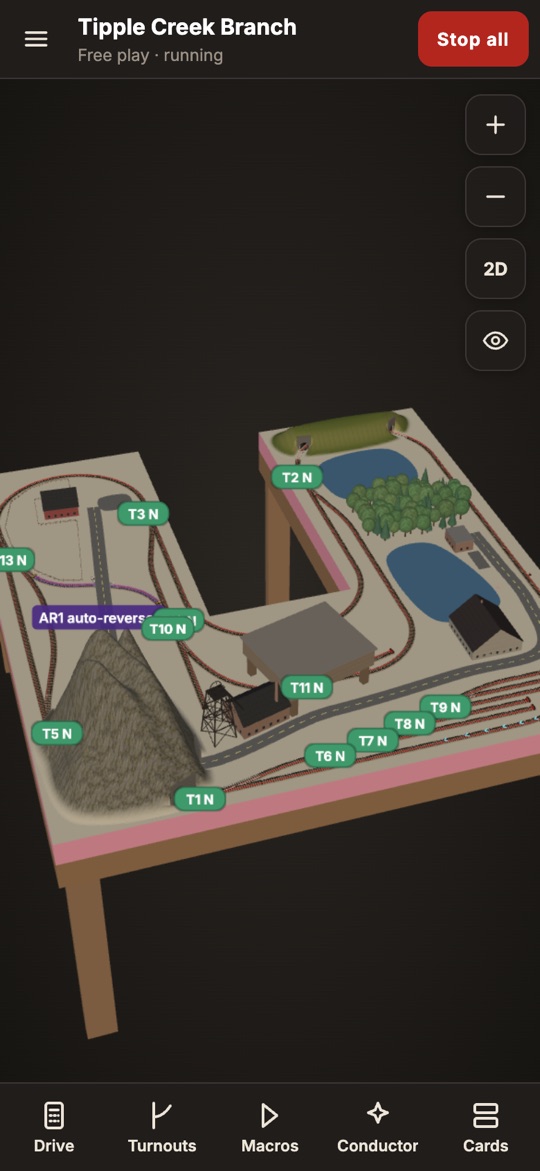
Screenshots of the real app, in the light and dark themes, 2× resolution. Click an image to open it full size; the links beneath download each theme. Credit them as “modelrailsim.com”.
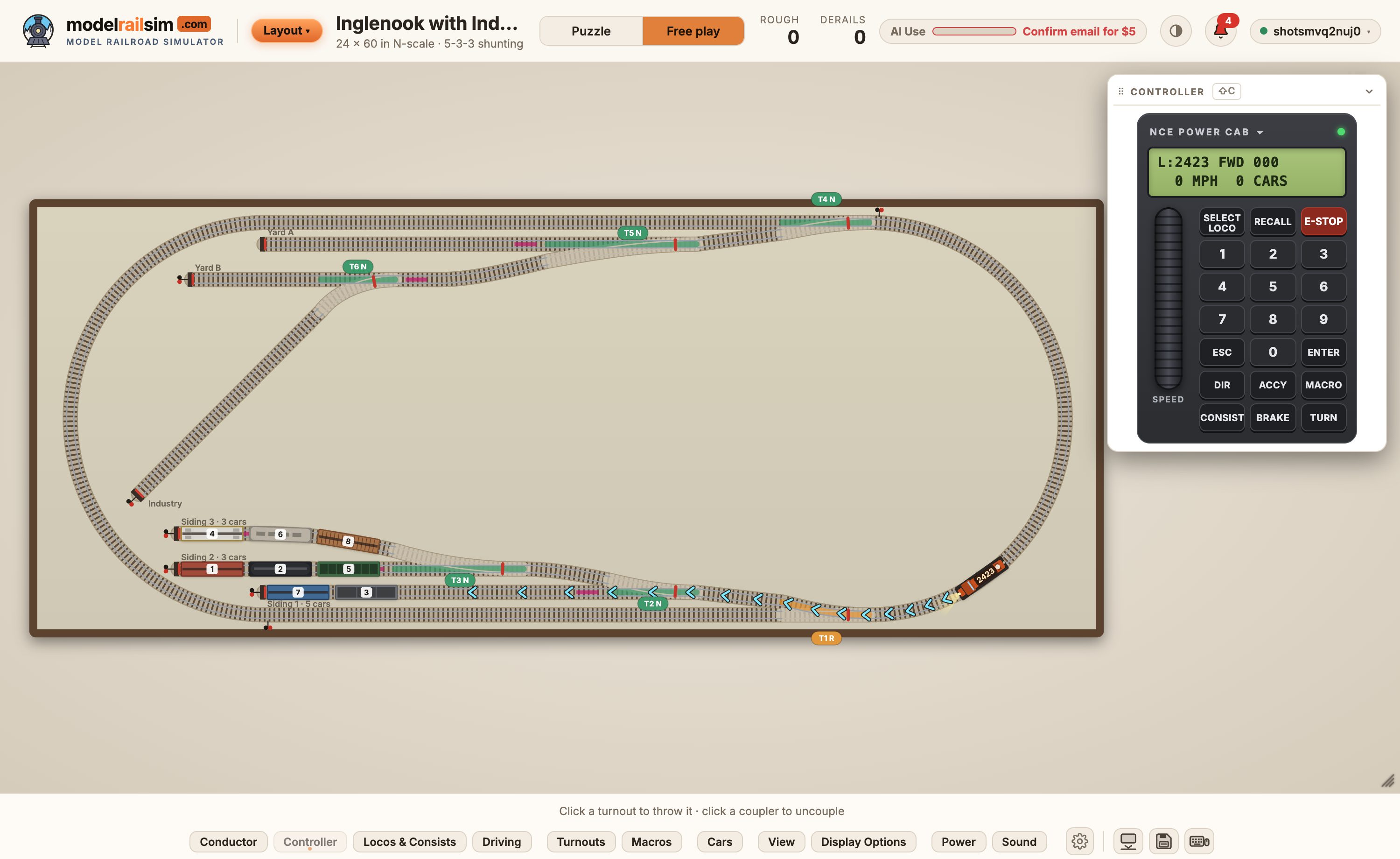
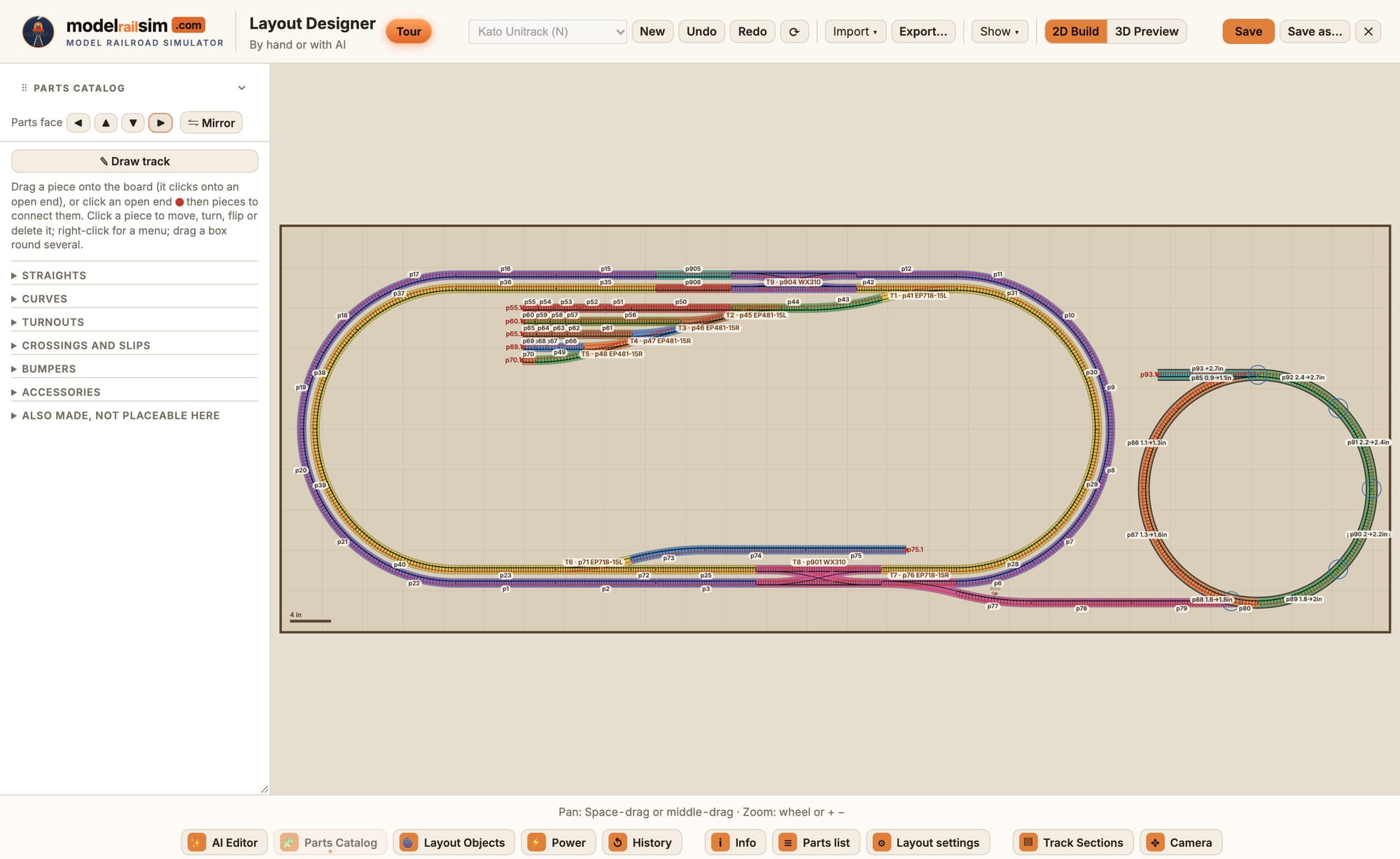
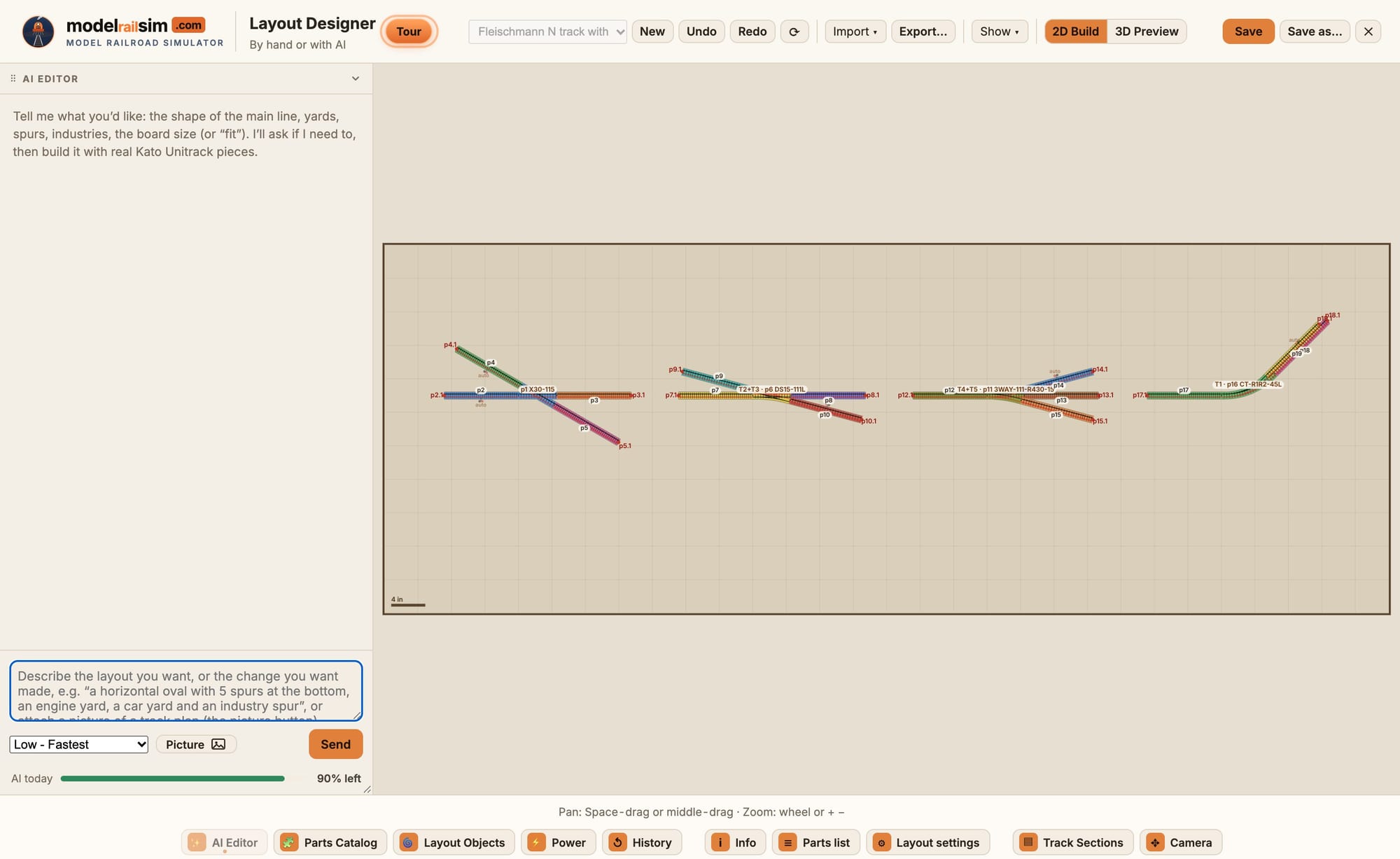
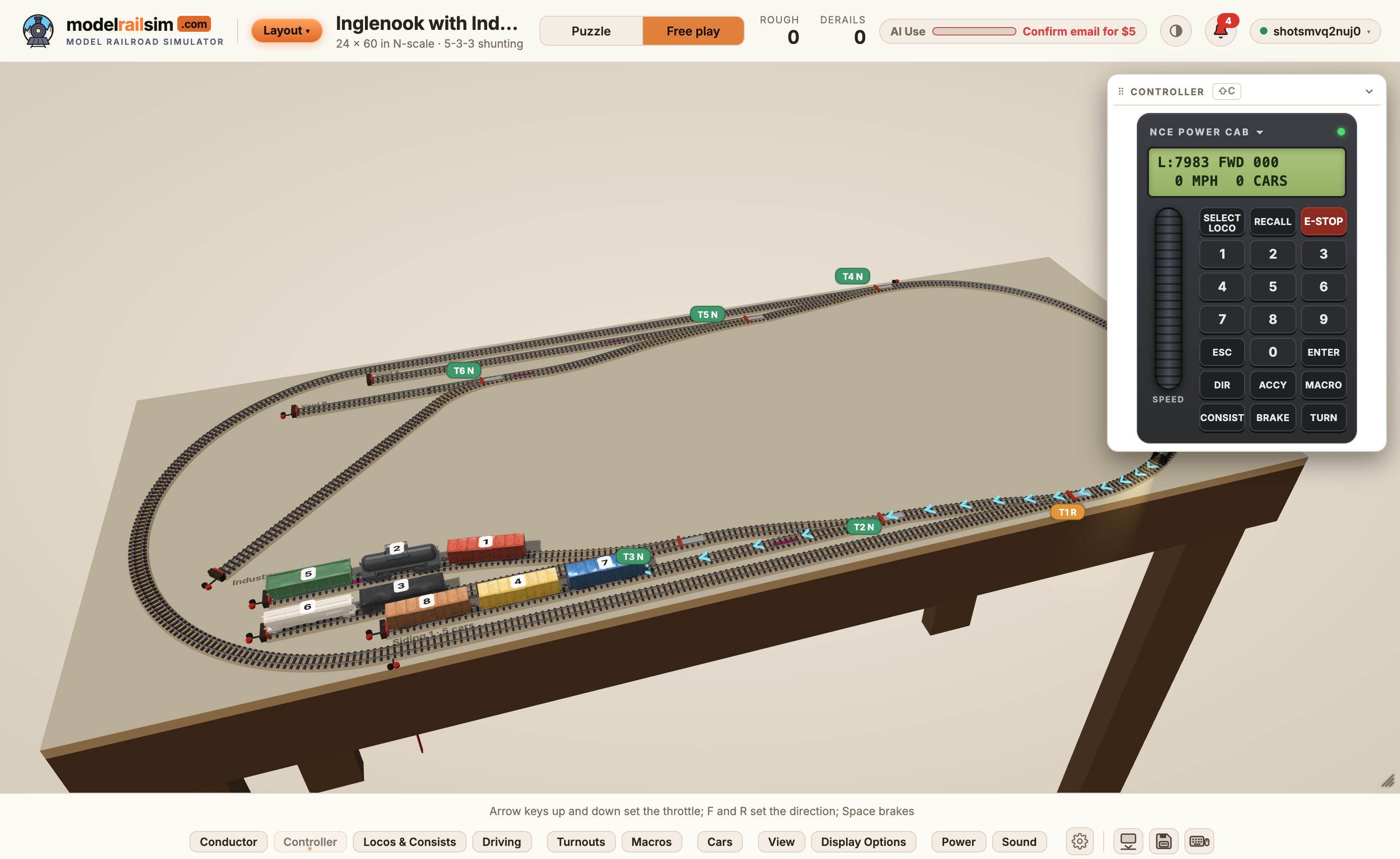
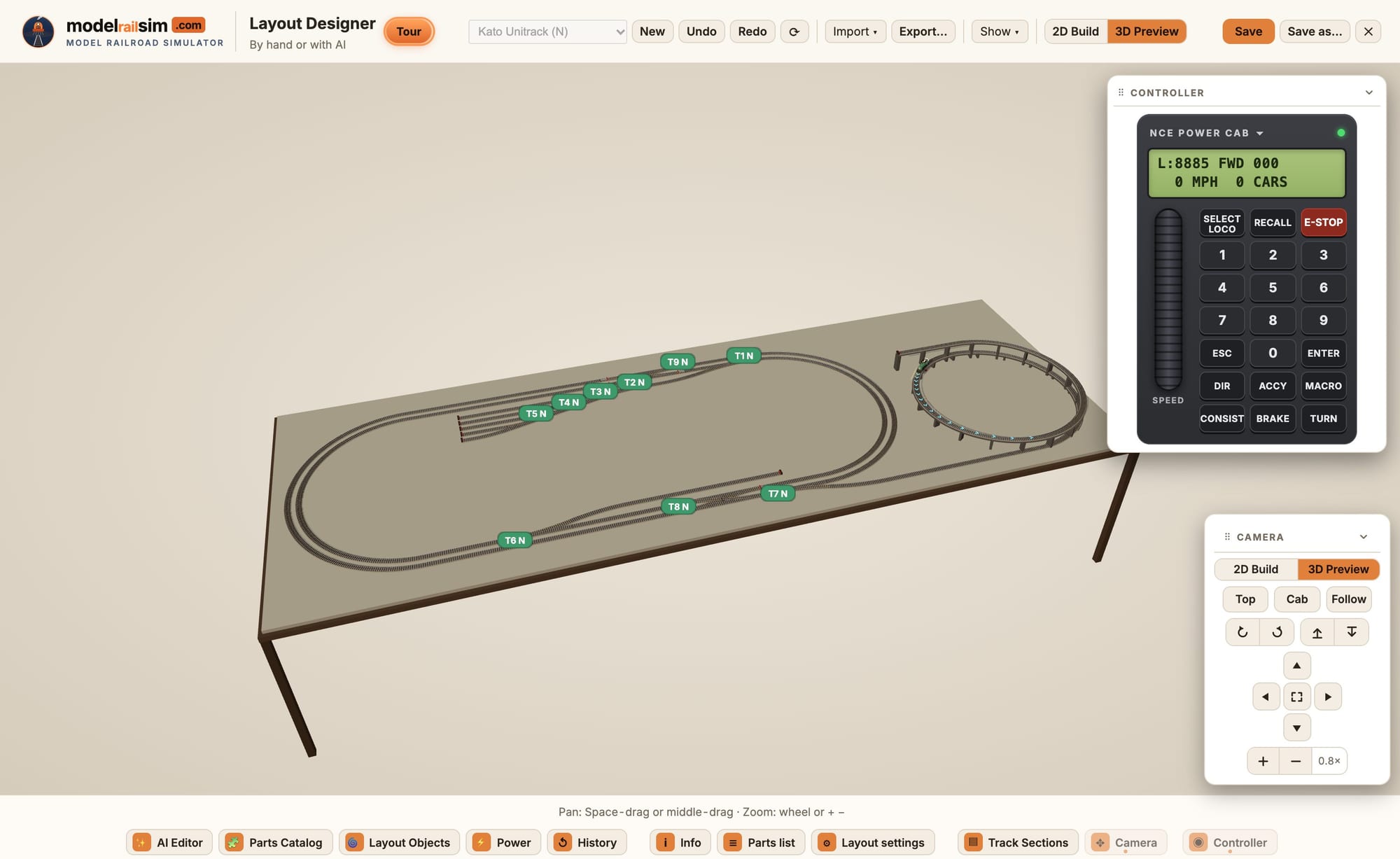
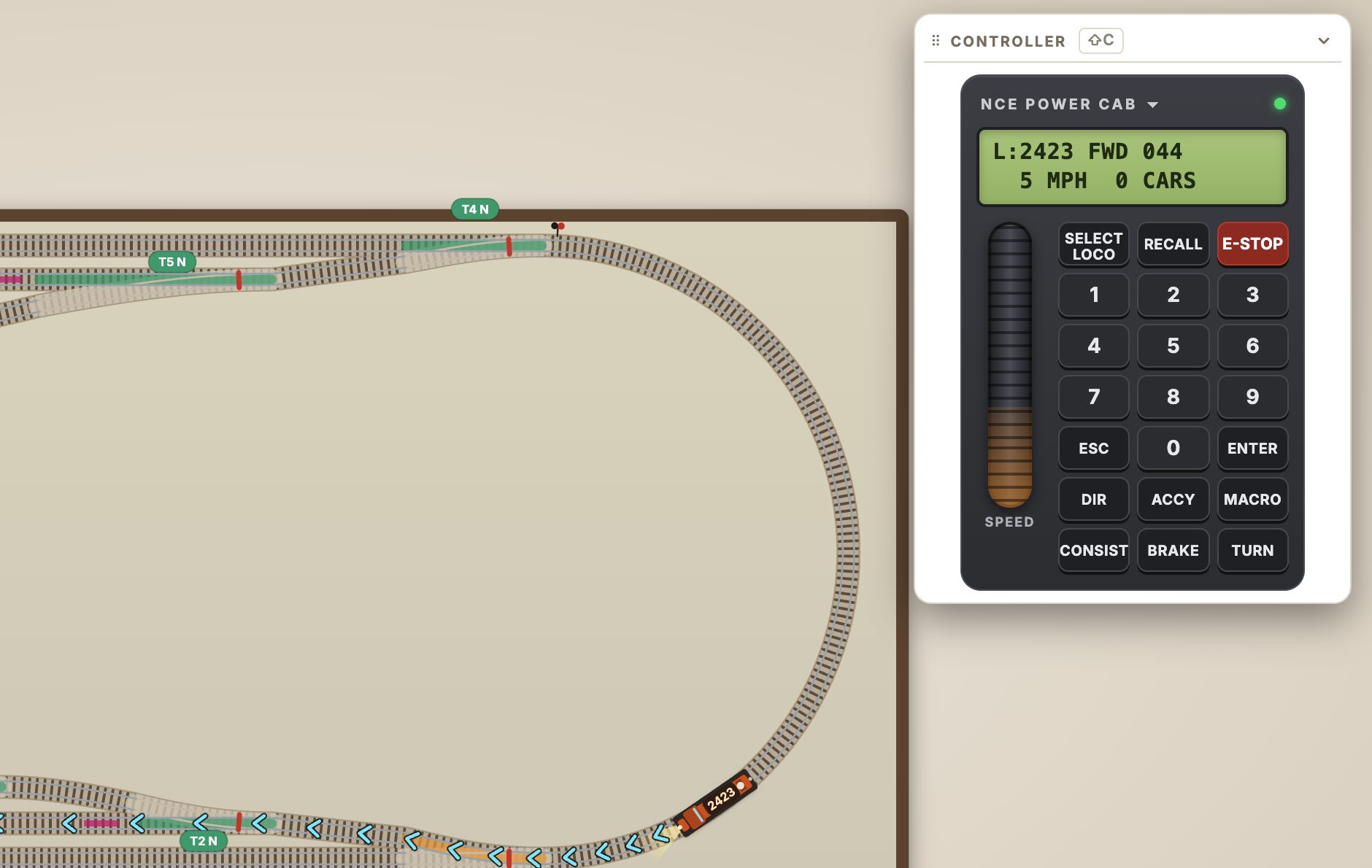
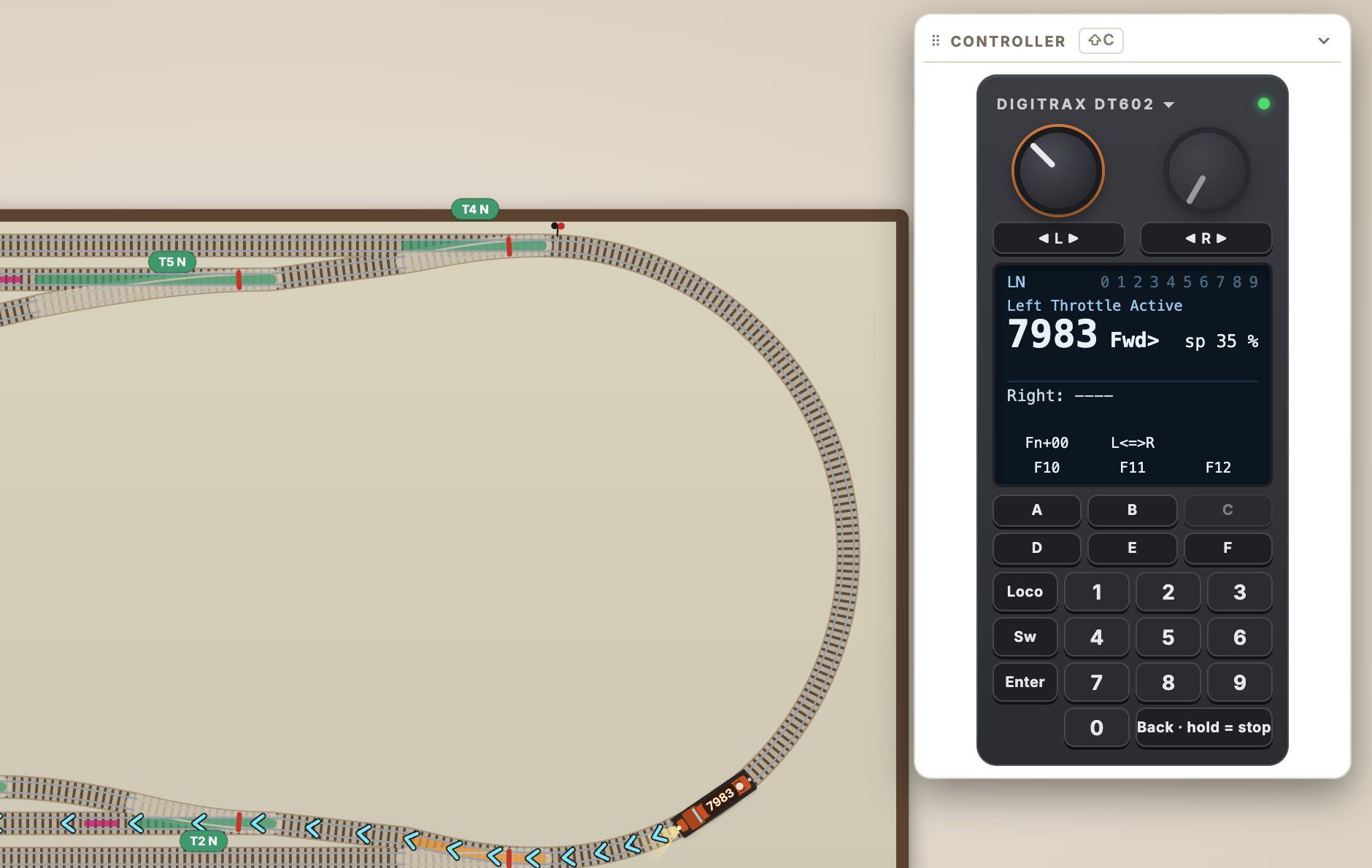
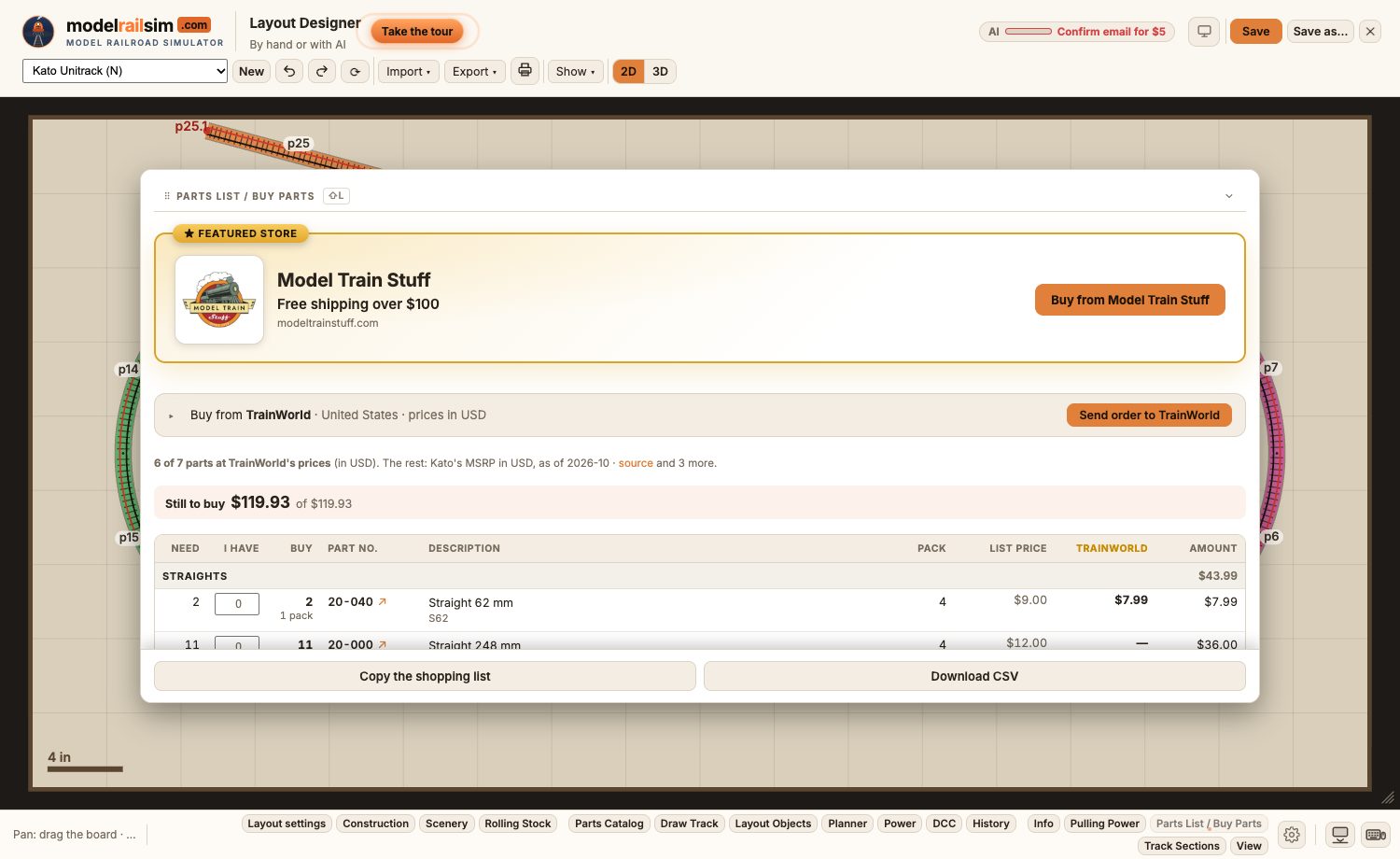
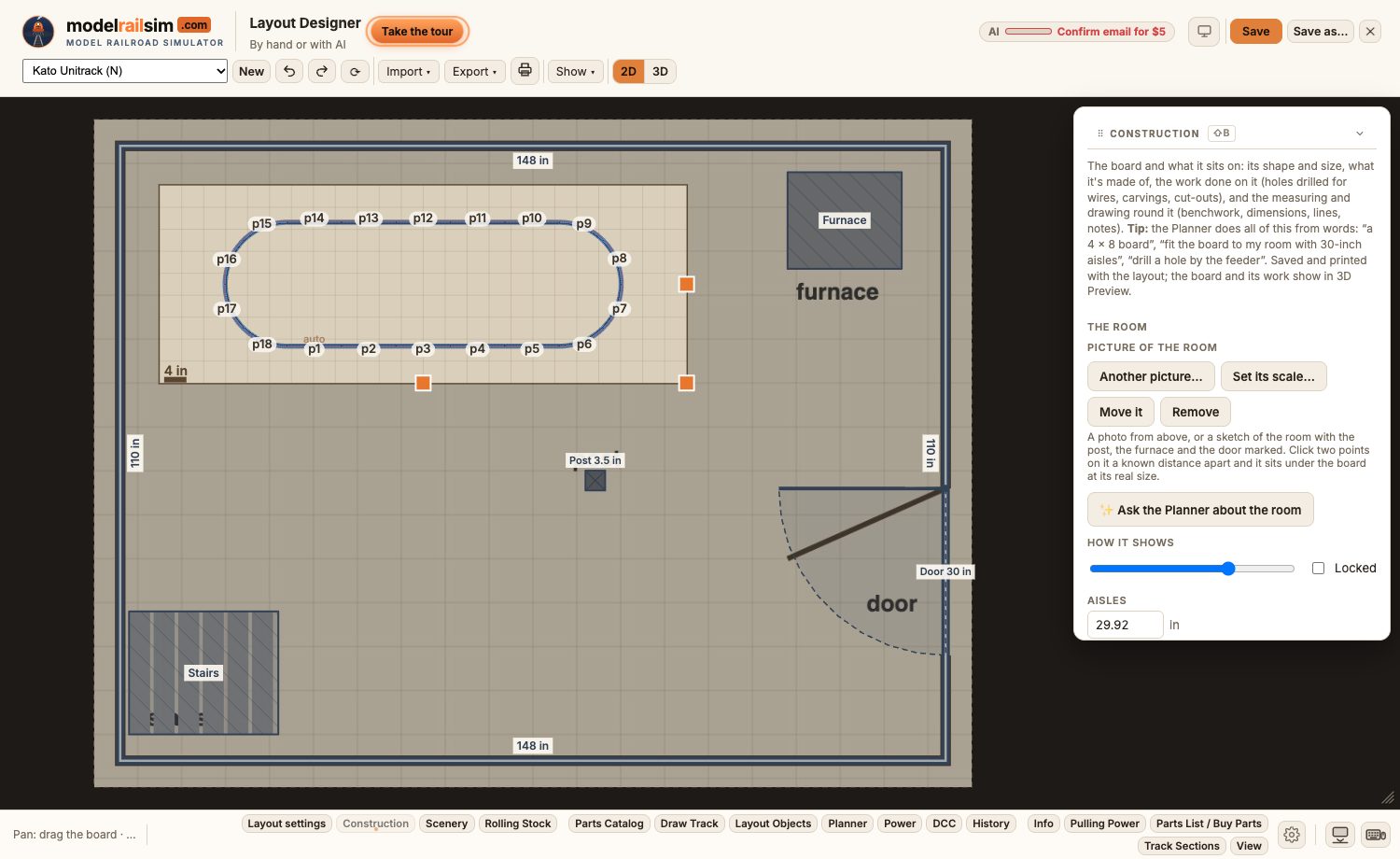
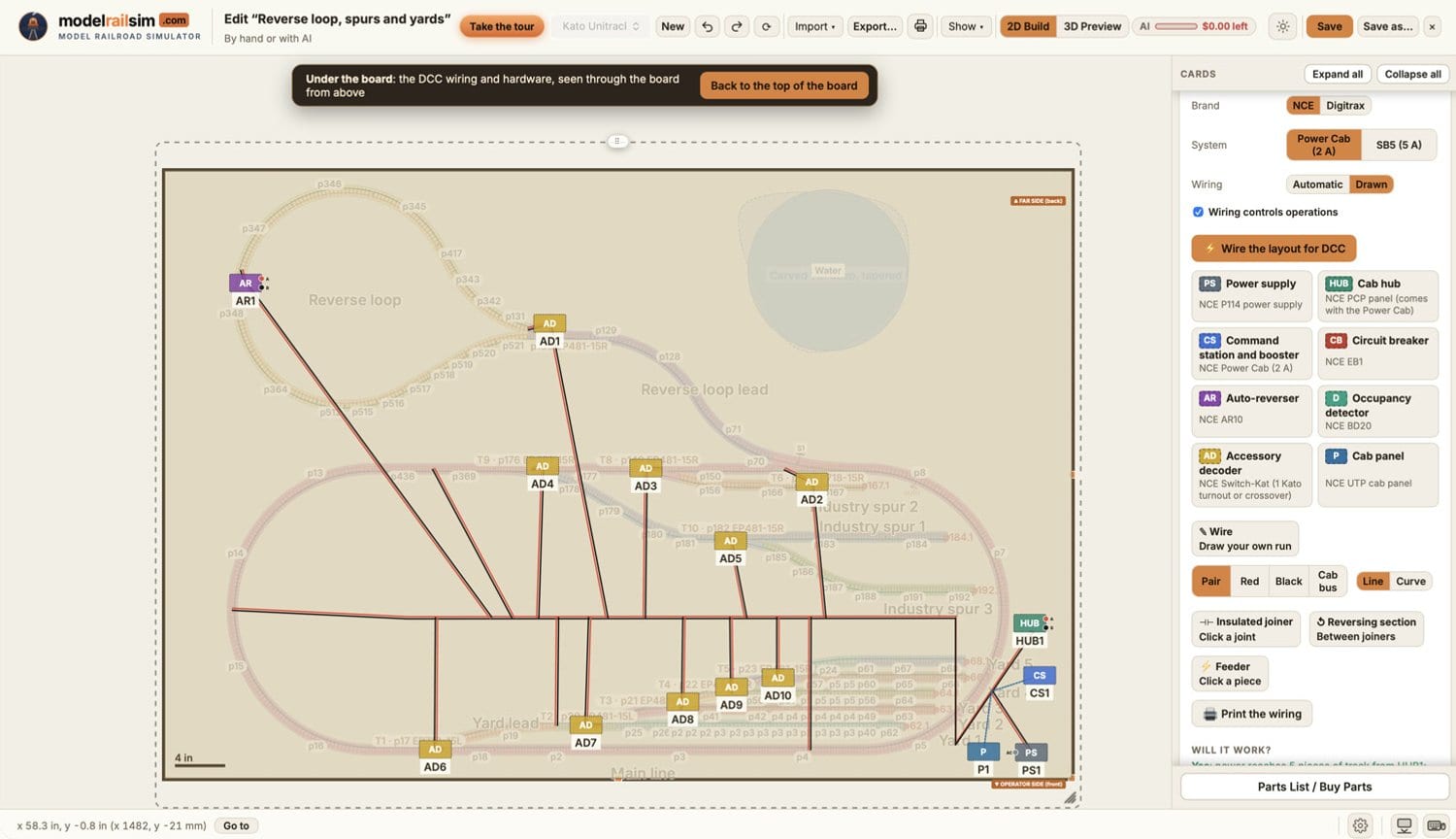
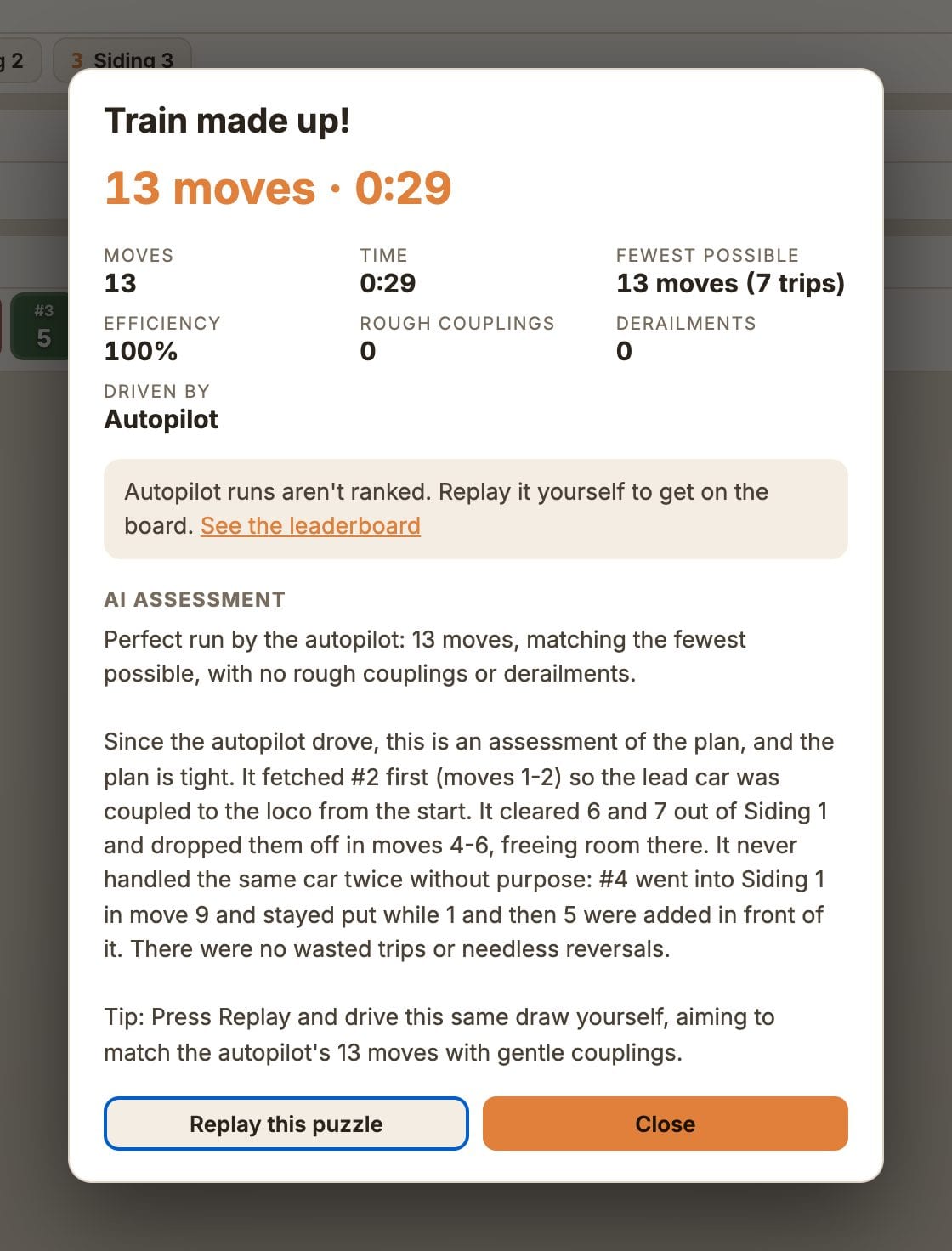
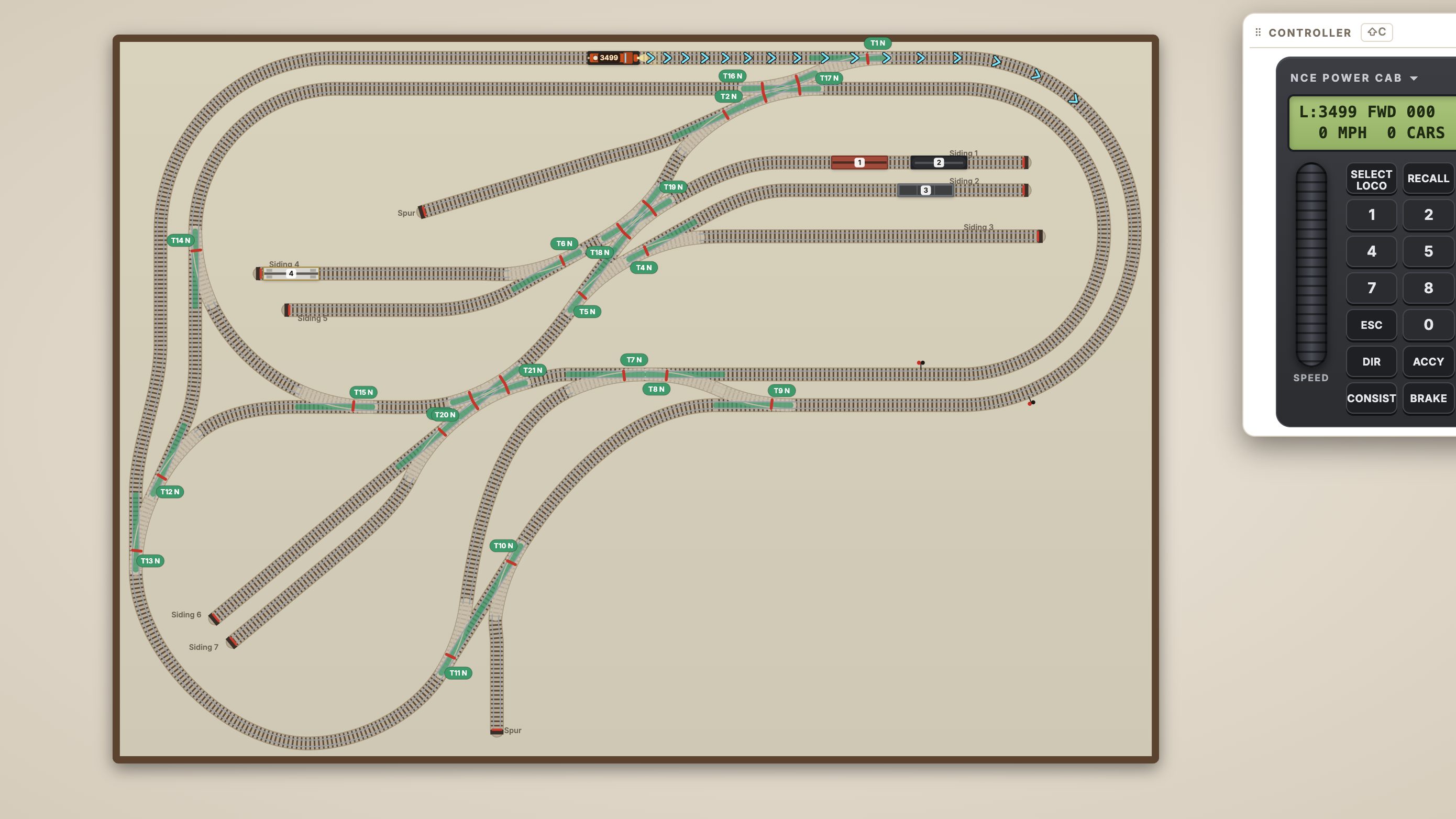
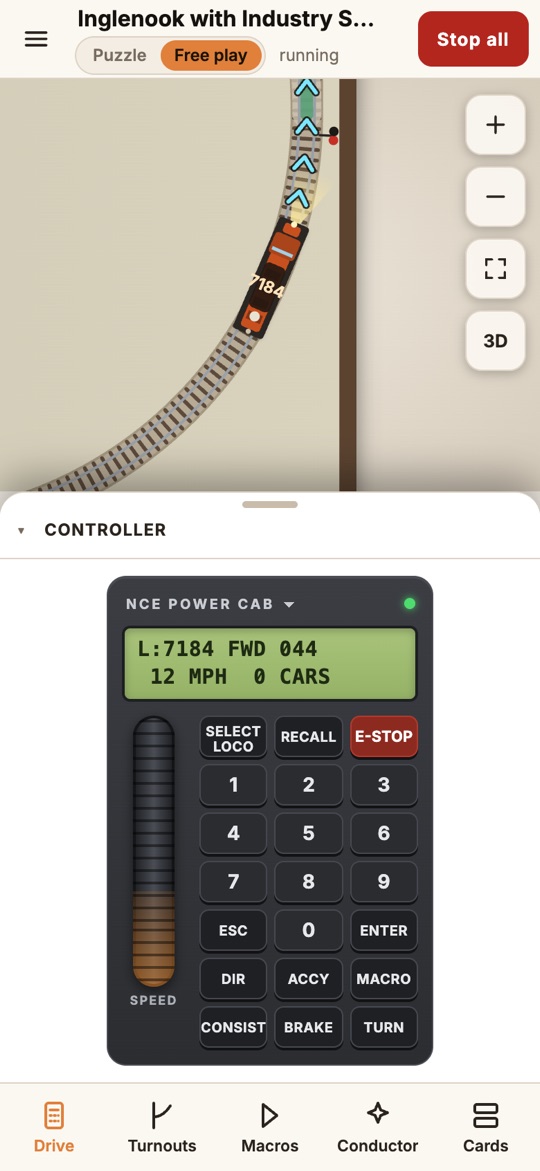
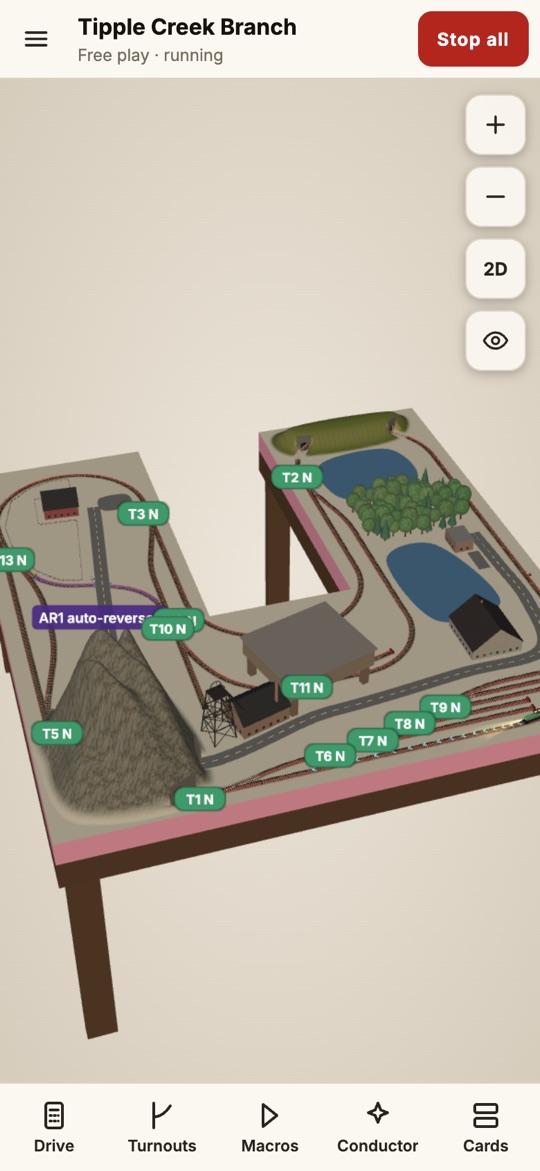
Two short clips with no narration, free to use in coverage.
Jeff Hunt is the founder and CEO of Iron Rod Systems LLC, the Salt Lake City company behind modelrailsim.com. A modeler himself, he built modelrailsim so that the track geometry, the capacities, the rules and the throttle match the real thing, and so a layout can be designed, priced and run before a single piece of track is bought. He is available for interviews, demos and podcasts: press@modelrailsim.com.
The logos, images and text on this page may be used without permission in news coverage, reviews, videos, podcasts, club and show newsletters, and by stores that list or link to modelrailsim. Don't alter the logos, present them as your own, or suggest that modelrailsim endorses a product or service. NCE, Power Cab, Digitrax, DT602, Kato, Unitrack and the other maker and system names on the site are the trademarks of their owners; modelrailsim is not affiliated with them. The 3D models and sounds in the app are other people's work under open licenses, listed in the Credits.
Questions, a request for a specific image, or a correction: press@modelrailsim.com · +1 833-476-6763.